Experiencing inconsistent volume levels between your left and right earbuds can be frustrating. In this article, you will find some steps to resolve this issue:
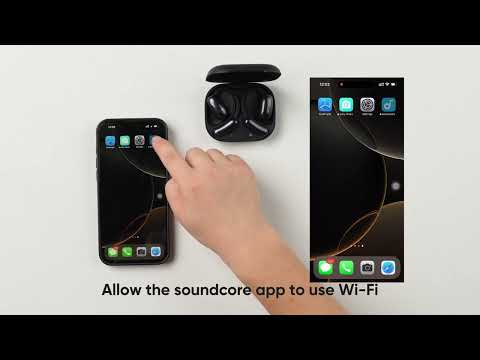
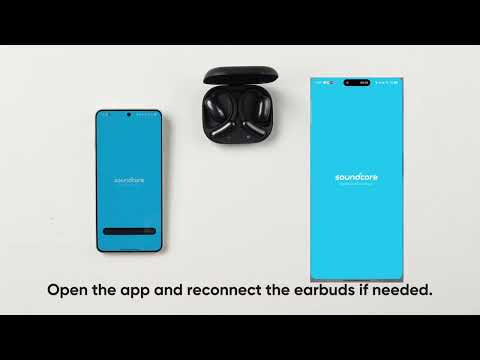
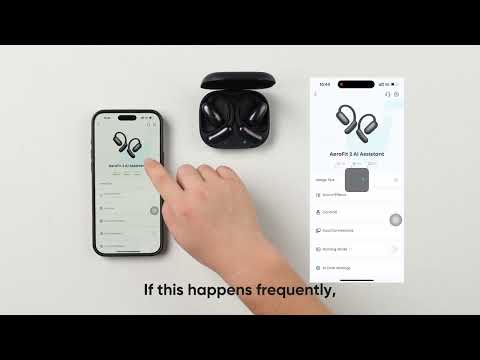
1. Adjust the volume balance between the left and right earbuds in the soundcore app.
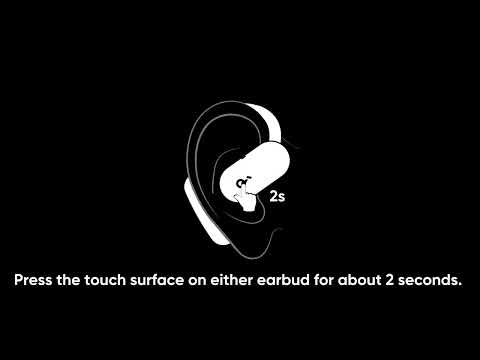
2. Reset the earbuds. Refer to "How do I reset the earbuds?" for guidance.
3. Use a Q-tip with a small amount of rubbing alcohol or a small, clean brush to gently clean the metal mesh filter. If possible, use a bulb blower to blow air into the port and filter. This will loosen any dust or dirt inside the earbuds. Finally, use a cotton swab or toothpick to remove them.
4. Make sure the earbuds are worn at the correct angle.
If you encounter any other issues or your issue has not been resolved, please contact soundcore customer support for further assistance.