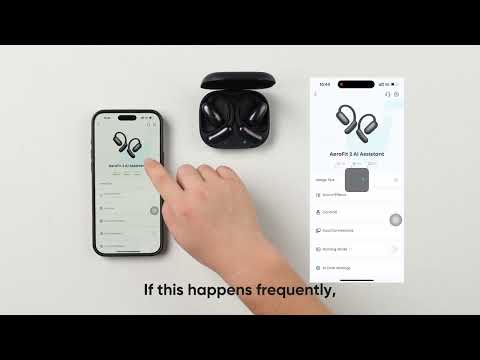
What should I do if sound comes from my phone instead of the earbuds during a call?
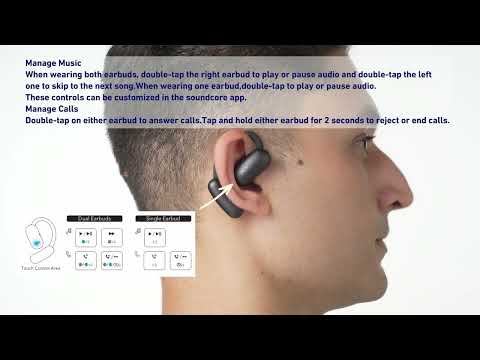
1. On your phone's call interface, set the audio output to the earbuds.
2. For iPhone users, if you answer the call on your phone, sound will come from the phone. To use your earbuds instead, double-click them to answer an incoming call.
What should I do if the call quality doesn't meet my expectations?
1. Make sure the earbuds' firmware is updated to the latest version.
2. Adjust the earbuds for the best fit and check if the call quality improves.
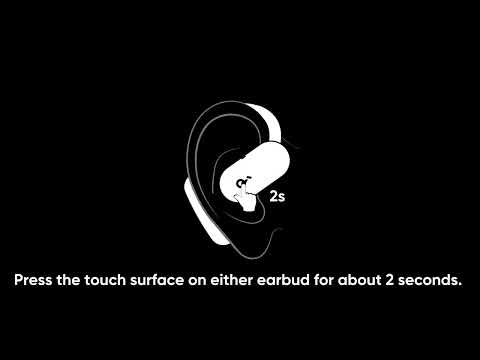
3. Reset the earbuds: Return the earbuds to the charging case and leave the case open. Press the button on the case for more than 10 seconds. After 3 seconds, the case indicator light will start flashing white. After 10 seconds, the case indicator light will quickly flash white three times, indicating a successful reset.
If you encounter any other issues or your issue has not been resolved, please contact soundcore customer support for further assistance.