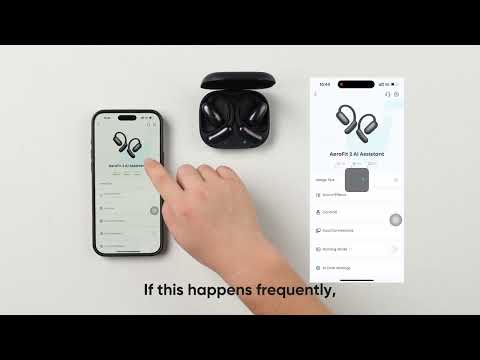
What should I do if the volume of the earbuds is low?

If you're experiencing low volume with your earbuds, follow these steps to enhance your listening experience:


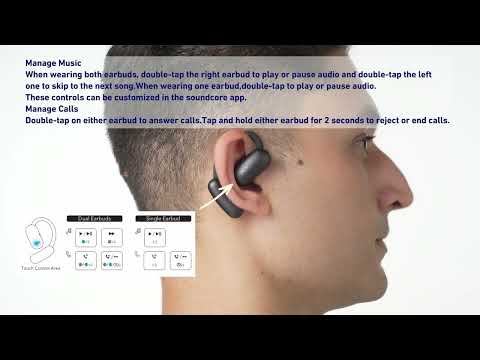
1. Ensure that your earbuds are properly worn, as the incorrect placement will affect your listening experience. The closer the speaker is to the ear canal, the better the sound quality.

2. Make sure the earbuds' speakers are not obstructed and clean them if they are.

3. Set the volume to maximum.

4. To achieve the maximum volume output:

- On an Android phone, make sure the volume sync feature is turned on in the Bluetooth settings.

- On an iOS phone, go to Sounds & Haptics > Headphone Safety, and turn off Reduce Loud Sounds.

- Lower the volume by one notch on your phone. Then, set the volume of both your phone and earbuds to maximum.


If you encounter any other issues or your issue has not been resolved, please contact soundcore customer support for further assistance.

Unresolved icon
48 undefined
How to Reset Your soundcore Headphones
59188 views6 likes/2025-04-08 16:03:59
soundcore AeroFit 2 Earbuds FAQ
8246 views1 likes/2025-04-08 16:03:33
How to get the best sound quality
5092 views1 likes/2025-09-02 10:48:48
Download icon
soundcore AeroFit Pro 使用者指南 (A3871)
Download icon
Руководство пользователя soundcore AeroFit Pro (A3871)
Download icon
soundcore AeroFit Pro 사용 안내서(A3871)
Download icon
Soundcore AeroFit Pro bruksanvisning (A3871)
Download icon
Guia do usuário do soundcore AeroFit Pro (A3871)
Download icon
Uporabniški priročnik za slušalke soundcore AeroFit Pro (A3871)
View More
Play videoHow-to Video for AeroFit Pro
How-to Video for AeroFit Pro
Play videoHow to Wear AeroFit Pro
How to Wear AeroFit Pro
Play videoHow to Pair AeroFit Pro
How to Pair AeroFit Pro
Play videoHow to Re-Pair and Reset AeroFit Pro
How to Re-Pair and Reset AeroFit Pro
Play videoHow to Charge AeroFit Pro
How to Charge AeroFit Pro
Play videoHow to Use AeroFit Pro's Controls
How to Use AeroFit Pro's Controls
View More
Contact Us