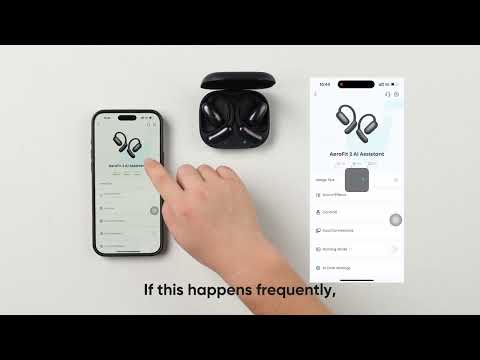
What should I do if my earbuds cannot be paired with my phone?

We understand how frustrating it can be when your earbuds refuse to pair with your phone. To help you resolve this issue quickly, in this article, we have outlined a few simple steps you can follow:


1. Place the earbuds into the charging case, close the lid, and then open the lid to connect again.

2. If the issue persists, forget the Bluetooth history on your phone, and reset the earbuds: Return the earbuds to the charging case and leave the case open. Press the button on the case for more than 10 seconds. After 3 seconds, the case indicator light will start flashing white. After 10 seconds, the case indicator light will quickly flash white three times, indicating a successful reset.

3. Try a different phone to see if there is any difference. 


If you encounter any other issues or your issue has not been resolved, please contact soundcore customer support for further assistance.

Download icon
What should I do if my earbuds cannot be paired with my phone?
Unresolved icon
48 undefined
Download icon
soundcore AeroFit Pro 使用者指南 (A3871)
Download icon
Руководство пользователя soundcore AeroFit Pro (A3871)
Download icon
soundcore AeroFit Pro 사용 안내서(A3871)
Download icon
Soundcore AeroFit Pro bruksanvisning (A3871)
Download icon
Guia do usuário do soundcore AeroFit Pro (A3871)
Download icon
Uporabniški priročnik za slušalke soundcore AeroFit Pro (A3871)
View More
Play videoHow-to Video for AeroFit Pro
How-to Video for AeroFit Pro
Play videoHow to Wear AeroFit Pro
How to Wear AeroFit Pro
Play videoHow to Pair AeroFit Pro
How to Pair AeroFit Pro
Play videoHow to Re-Pair and Reset AeroFit Pro
How to Re-Pair and Reset AeroFit Pro
Play videoHow to Charge AeroFit Pro
How to Charge AeroFit Pro
Play videoHow to Use AeroFit Pro's Controls
How to Use AeroFit Pro's Controls
View More
Contact Us