What should I do if the voice assistant on YouTube does not work?
If the voice assistant does not work on Youtube, you can enable it by following these steps:
1) Step 1: Go to Settings > Apps > See All Apps > YouTube > Clear Cache.
2) Step 2: Go to Settings > Apps > YouTube > Permissions, change the Microphone permission to Allow only while using the audio.
If you still have any questions, please contact Support@seenebula.com for further assistance.


20 undefined
How Do I Install and Use Hulu on an Android TV Projector?


30-Day Money-Back Guarantee
How to fix if my Mars 3 Air won't power on or charge?
What should I do if my canpsule 3 cannot be charged?
What should I do if Capsule 3 can't connect to Wi-Fi?
What should I do if the screen fit function does not work?
Mars 3 Air FAQ
Firmware Release Notes for Mars 3 Air
Firmware Release Notes for Capsule 3
Can the USB-C Port from the Capsule 3 Support Working with HDMI?

Nebula Capsule Air 取扱説明書 (D4112)
Mars 3 Air_Manual
Nebula Cosmos 4K SE 取扱説明書 (D2342)
Capsule_3_D2425_Manual
NEBULA Capsule Air User Guide (D4112)
NEBULA Capsule Air Benutzerhandbuch (D4112)
View More

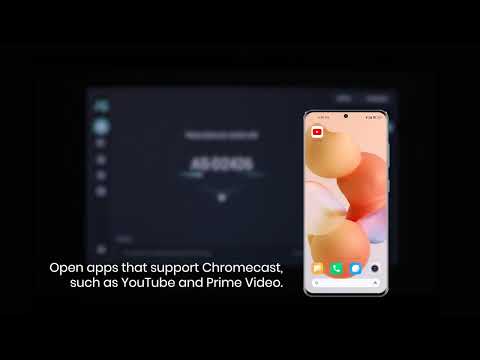
How to use Chromecast Airplay
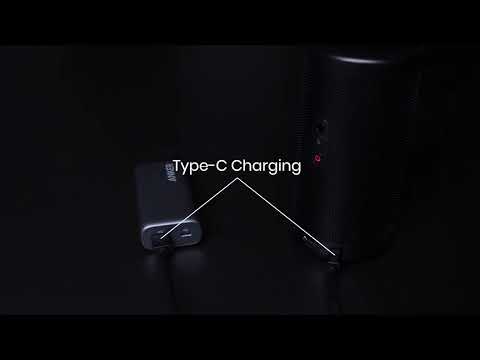
Signal Input Output

Auto and Manual keystone correction
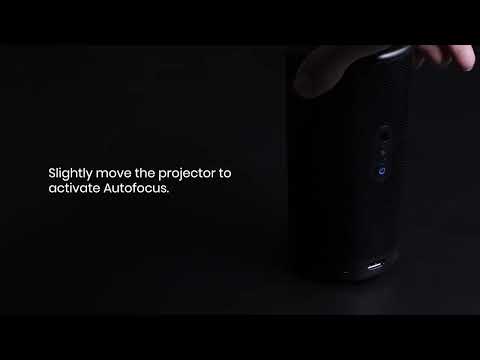
Auto and Manual focus
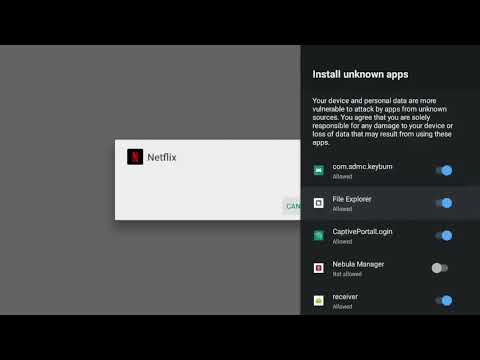
How to install Netflix?
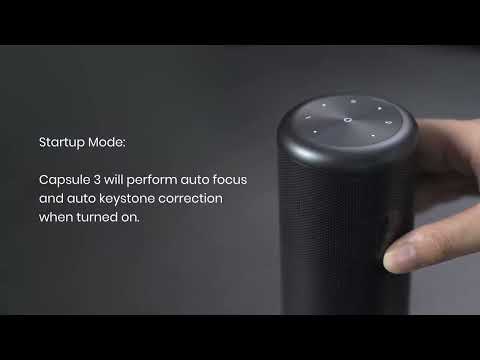
Auto and Manual Keystone Correction
View More


