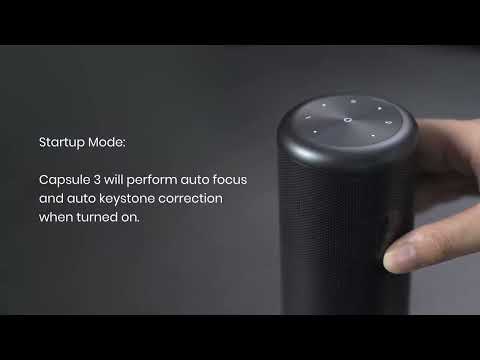
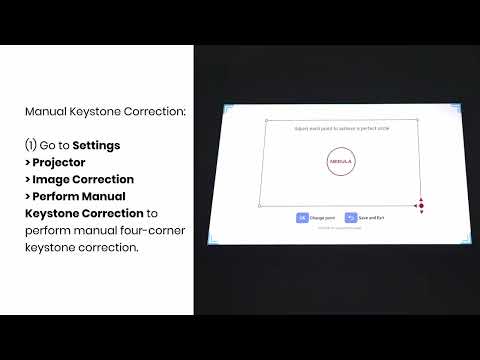
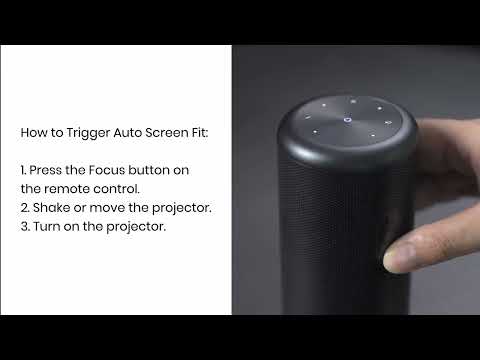
What should I do if the screen fit function does not work?
Currently, only a 4-border screen is supported. Borderless and 2-border screens are not supported. Please make sure that the projected image fully covers the template and the pattern image is completely within the screen.

Also, please make sure that auto screen fit has been enabled at Settings > Projector > Image Correction > Auto Screen Fit.

 
Unresolved icon
20 undefined
Download icon
【D2325】 Nebula Mars 3 Air EU Declaration
Download icon
【D2425】Nebula Capsule 3 EU Declaration
Download icon
Mars 3 Air_Manual
Download icon
D2425 Capsule 3 UK Declaration of Conformity
Download icon
D0442 Remote Control EU Declaration of Conformity
Download icon
Capsule_3_D2425_Manual
View More
Play video
Auto and Manual Keystone Correction
Play video
Manual Keystone Correction and Zoom
Play video
Input and Output
Play video
Auto Screen Fit (EN)
Play video
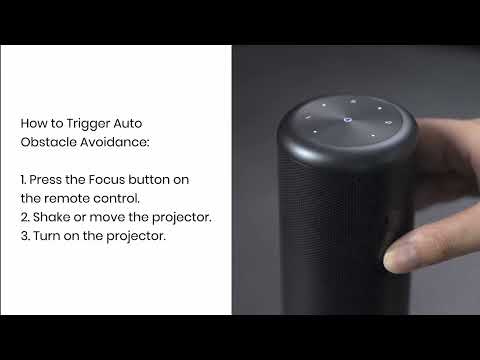
Auto Avoidance
Play video
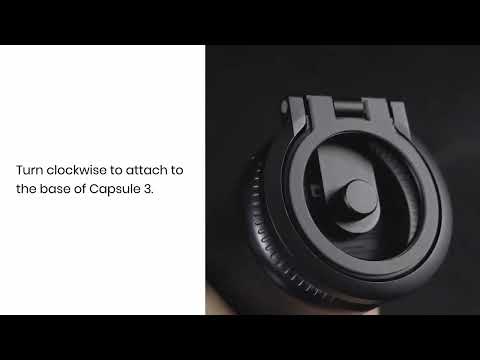
How to Use the Stand
View More
Contact Us