How to fix if my Mars 3 Air won't power on or charge?
If the mars 3 air cannot be charged or power on, please try the following tips to see if it helps.
1. Check whether the charging indicator light is on. If the light is off, try using another power adapter.
2. If the light is on, keep the power adapter plugged in for more than an hour, and then power on the projector.
3. Reset the unit by inserting a pin into the reset hole on the back of the projector. Plug in the projector before performing this action.
If the issue persists, please contact support for further assistance.


20 undefined
What should I do if Capsule 3 can't connect to Wi-Fi?


What should I do if the screen fit function does not work?
Mars 3 Air FAQ
Firmware Release Notes for Mars 3 Air
What is Capsule 3/Mars 3 Air's projection distance?
What should I do if the voice assistant on YouTube does not work?
How Do I Pair Bluetooth Devices with nebula google TV projector?
How do I stream video or mirror from a Windows 10 PC to Capsule 3/Capsule 3 Laser/mars 3/Mars 3 air/Cosmos 4K SE/Nebula X1/Nebula X1Pro?
Troubleshooting Projector Lag Issues
Why Does the GTV Product Packaging Show “ATV Operating System”?

【D2325】 Nebula Mars 3 Air EU Declaration
Mars 3 Air_Manual
D2325 Nebula Mars 3 Air UK Declaration of Conformity
Mars 3 Air_UK_Declaration_of _Conformity
Mars 3 Air_Manual(DE)
Mars 3 Air_QSG
View More

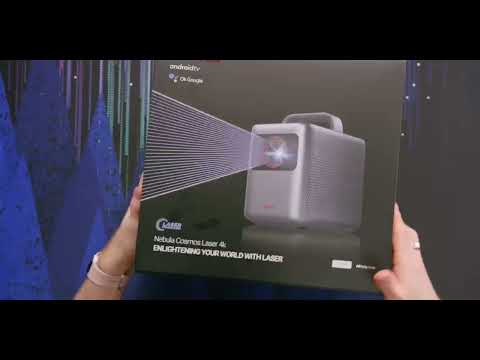
Input and Output
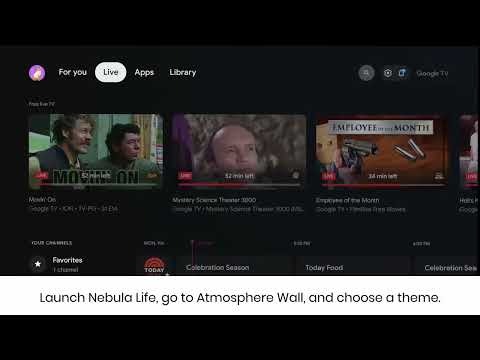
How to Use Atmosphere Wall
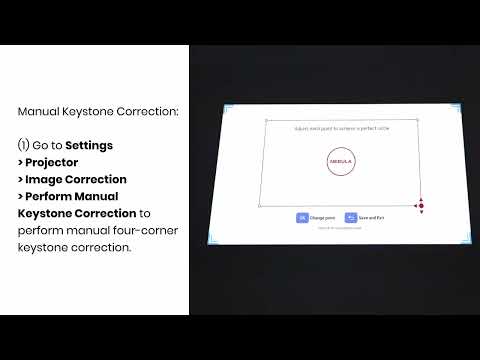
Manual Keystone Correction and Zoom
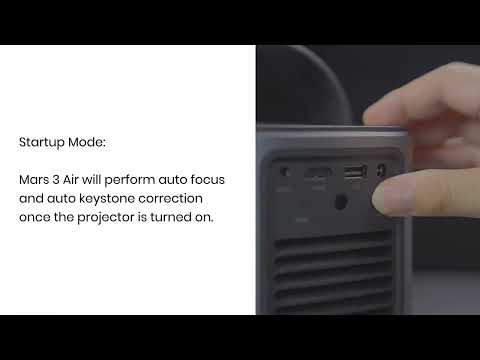
Auto and Manual Keystone Correction

Auto Screen Fit
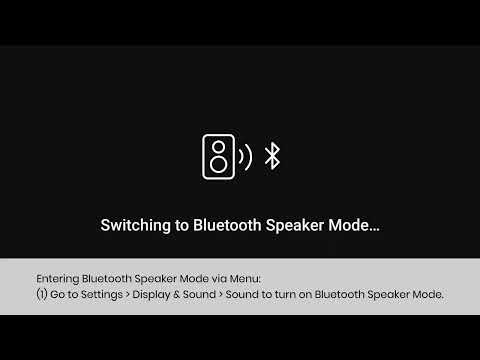
How to Use Bluetooth Speaker Mode
View More


