Firmware Release Notes for Capsule 3
Hey Nebula customers
The following are the new firmware release notes for Capsule 3:
Software Version: 11.0.34
- Fixed screen flickering, fragmentation, picture mode errors, and more during HDMI connection.
- Fixed random screen flickering during keystone correction.
- Fixed issues such as broken sound, incorrect sound volume settings, and incorrect status indicator lights in Bluetooth speaker mode.
- Fixed a bug that was preventing access to the Settings menu.
- Added automatic brightness reduction when the projector’s battery temperature gets high.
- Added a shutdown panel feature, allowing users to long press the shutdown button to switch between sleep, shutdown, and restart.
Software Version: 11.0.32
- Fixed a bug where Wi-Fi networks could not be found when switching during the setup process.
- Fixed random screen fragmentation while watching movies.
- Updated the remote control pairing guidance interface by adding an illustration showing the optimal pairing distance between the projector and remote.
- Updated the EQ to optimize the sound quality.
- Added India as a country supporting the Google Home App during the setup process.
If you have any questions or concerns, reach out to us anytime via the help page in the app or email us at support@seenebula.com.


20 undefined
What should I do if my canpsule 3 cannot be charged?


What should I do if Capsule 3 can't connect to Wi-Fi?
What should I do if the screen fit function does not work?
Can the USB-C Port from the Capsule 3 Support Working with HDMI?
Capsule 3 FAQ
What is Capsule 3/Mars 3 Air's projection distance?
What should I do if the voice assistant on YouTube does not work?
How Do I Pair Bluetooth Devices with nebula google TV projector?
How do I stream video or mirror from a Windows 10 PC to Capsule 3/Capsule 3 Laser/mars 3/Mars 3 air/Cosmos 4K SE/Nebula X1/Nebula X1Pro?
Troubleshooting Projector Lag Issues

【D2425】Nebula Capsule 3 EU Declaration
D2425 Capsule 3 UK Declaration of Conformity
D0442 Remote Control EU Declaration of Conformity
Capsule_3_D2425_Manual
D2425 Nebula Capsule 3 UK Declaration of Conformity
D2425_Capsule 3_UK_Declaration of conformity
View More

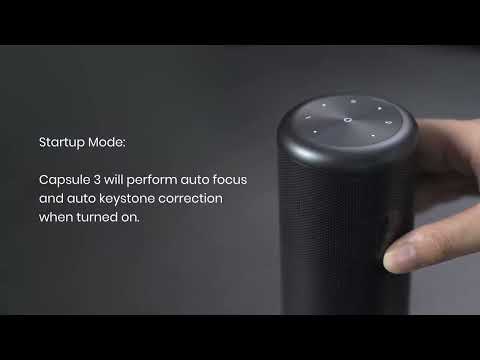
Auto and Manual Keystone Correction
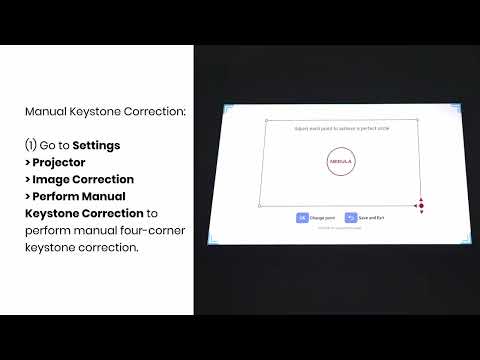
Manual Keystone Correction and Zoom
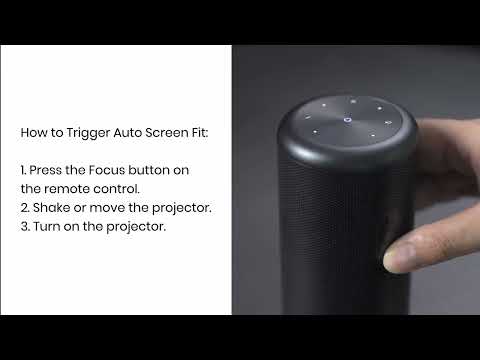
Auto Screen Fit (EN)
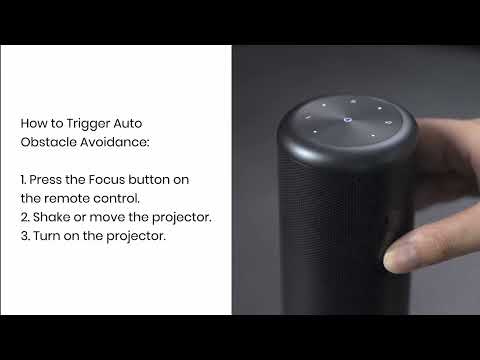
Auto Avoidance
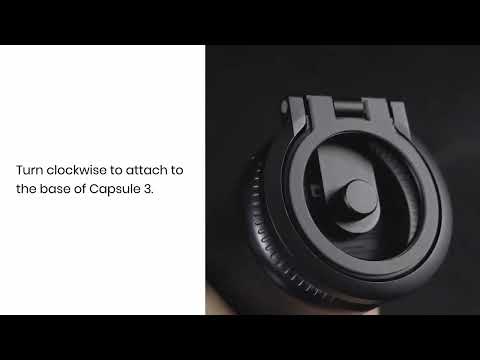
How to Use the Stand
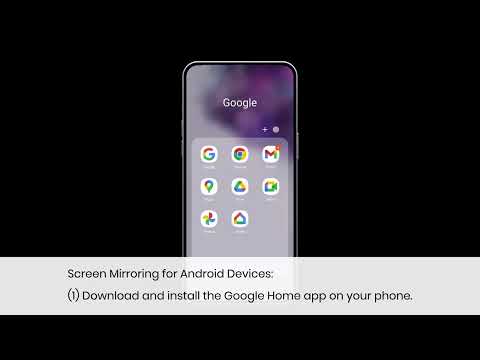
How to Mirror or Cast From Your Phone
View More


