What is Capsule 3/Mars 3 Air's projection distance?
The distance between the projector and the projection surface must be a minimum of 1.06 m and a maximum of 3.18 m. This ensures a projection image between 40"" and 120"". For best results, set the projector between 1.6 m and 2.65 m away.
Screen Size vs Distance
40"" - 1.06 m
50"" - 1.33 m
60"" - 1.6 m
70"" - 1.86 m
80"" - 2.13 m
90"" - 2.39 m
100"" - 2.65 m
110"" - 2.92 m
120"" - 3.18 m
Screen Size vs Distance
40"" - 1.06 m
50"" - 1.33 m
60"" - 1.6 m
70"" - 1.86 m
80"" - 2.13 m
90"" - 2.39 m
100"" - 2.65 m
110"" - 2.92 m
120"" - 3.18 m


20 undefined
How to fix if my Mars 3 Air won't power on or charge?


What should I do if my canpsule 3 cannot be charged?
What should I do if Capsule 3 can't connect to Wi-Fi?
What should I do if the screen fit function does not work?
Firmware Release Notes for Mars 3 Air
Firmware Release Notes for Capsule 3
Can the USB-C Port from the Capsule 3 Support Working with HDMI?
What should I do if the voice assistant on YouTube does not work?
How Do I Pair Bluetooth Devices with nebula google TV projector?
How do I stream video or mirror from a Windows 10 PC to Capsule 3/Capsule 3 Laser/mars 3/Mars 3 air/Cosmos 4K SE/Nebula X1/Nebula X1Pro?

【D2325】 Nebula Mars 3 Air EU Declaration
【D2425】Nebula Capsule 3 EU Declaration
Mars 3 Air_Manual
D2425 Capsule 3 UK Declaration of Conformity
D0442 Remote Control EU Declaration of Conformity
Capsule_3_D2425_Manual
View More

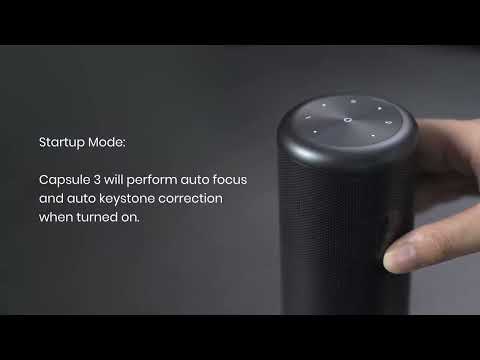
Auto and Manual Keystone Correction
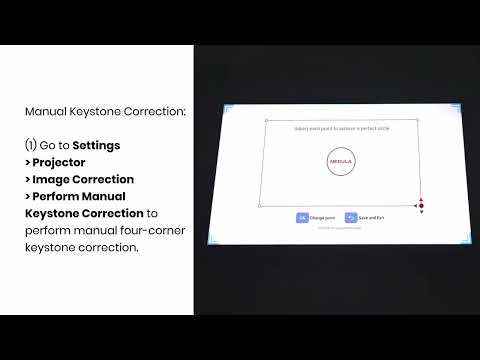
Manual Keystone Correction and Zoom
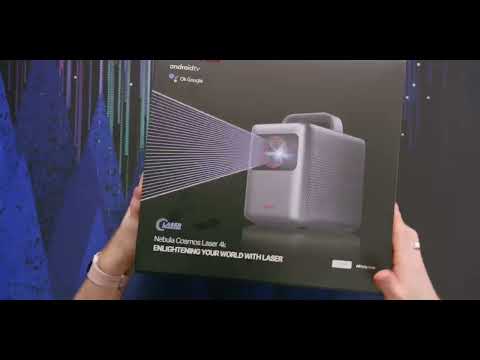
Input and Output
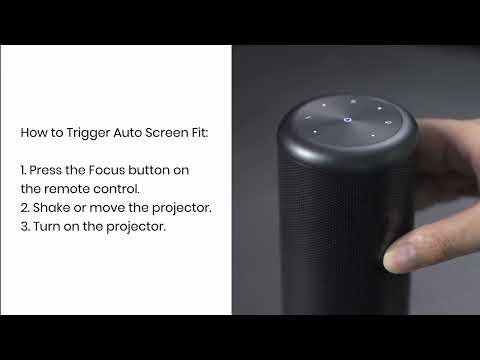
Auto Screen Fit (EN)
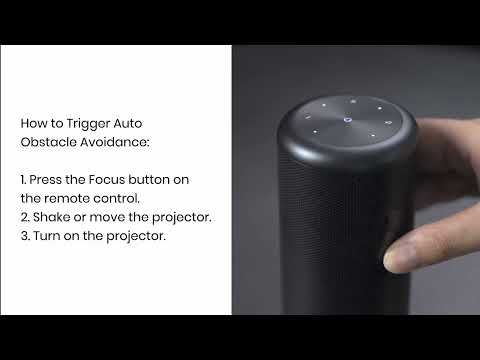
Auto Avoidance
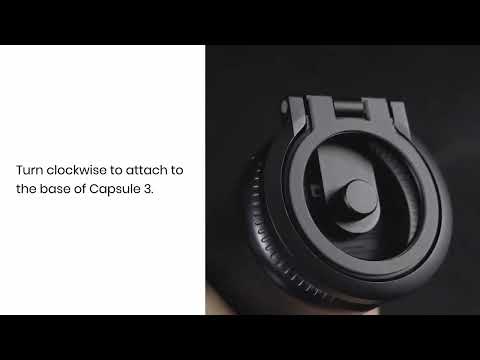
How to Use the Stand
View More


