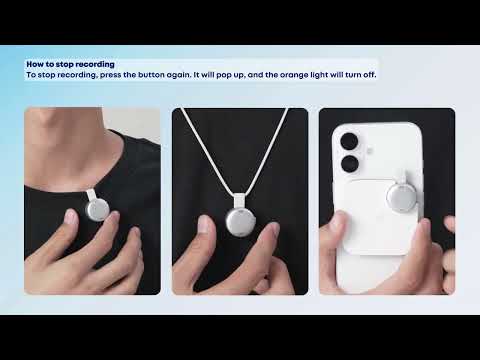
What should I do if the soundcore Work recording is unclear?

1. Ensure that the microphone is positioned correctly, with the mic facing the sound source.

2. Reduce the distance between the microphone and the sound source; the closer the distance, the better the recording quality.

3. Avoid recording in excessively noisy environments, as noise can adversely affect recording quality.

4. Inspect the microphone port of the recorder for dirt or blockages. If any are found, clean the recorder using a lint-free cloth and a soft-bristle brush.


If you encounter any other issues or your issue has not been resolved, please contact us for further assistance.

What should I do if the soundcore Work recording is unclear?
51 undefined
EU Declaration of Conformity for soundcore A3i_A3992
A3961 QSG V2(1)
UK&CA Declaration of Conformity for soundcore Liberty 4_A3953
EU Declaration of Conformity for soundcore Liberty 4_A3953
A3947_Liberty 4 NC_QSG
Liberty 4_A3953_QSG
View More
How to use Liberty 4 Wellness features
How to Wear Liberty 4 and Change Eartips
How to Pair and Reset Sport X10
How to solve a connection issue on Sleep A10
How to Connect to the Soundcore App and Update Firmware for Sport X10
How to Use Features On the Soundcore App for Sport X10
View More
Contact Us