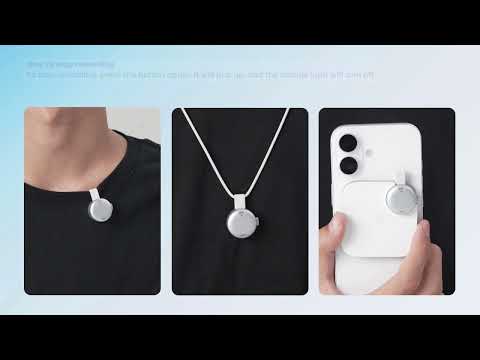
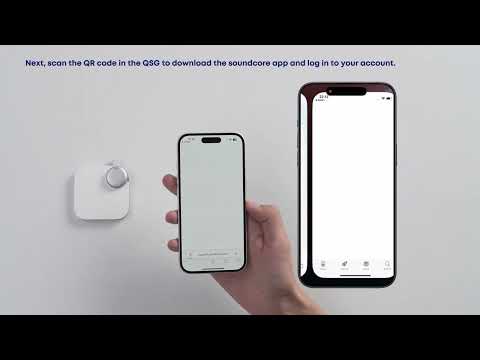
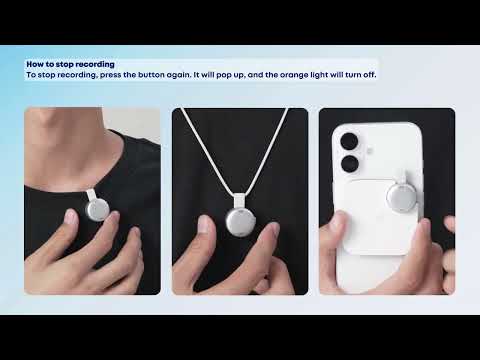
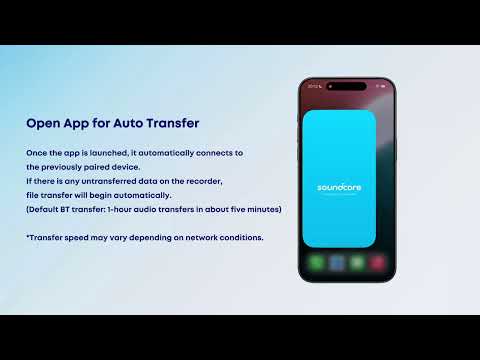
How do I put the soundcore Work recorder into Sleep Mode?
1. By default, soundcore Work will enter Sleep Mode after being idle for 24 hours. When in sleep mode, the product will automatically turn on when it senses vibration.
2. You can go to the soundcore app > Device Info > Sleep Settings to set the sleep mode to 8/24/48 hours.
If you encounter any other issues or your issue has not been resolved, please contact us for further assistance.

How do I put the soundcore Work recorder into Sleep Mode?


51 undefined
How do I use the Find My feature to locate soundcore Work? 3841 views 1 likes/2025-10-15 16:15:24
How do I check the battery level of the soundcore Work charging case? 1712 views 1 likes/2025-10-15 16:15:24
What should I do if soundcore Work cannot connect to the soundcore app? 1061 views 1 likes/2025-10-15 16:15:24
soundcore Work FAQ 974 views 1 likes/2025-10-15 16:15:24
What are the purchase benefits of soundcore Work? 1010 views 1 likes/2025-10-15 16:15:24
What are the benefits of Starter memberships, Pro memberships, and Unlimited memberships? 883 views 1 likes/2025-10-15 16:15:24
How do I subscribe to Pro membership and Unlimited membership? 828 views 1 likes/2025-10-15 16:15:24
What should I do if the firmware update for soundcore Work fails? 731 views 1 likes/2025-10-15 16:15:24
How do I rename soundcore Work audio? 555 views 1 likes/2025-10-15 16:15:24
How do I claim my soundcore Work purchase benefits? 475 views 1 likes/2025-11-04 11:47:13

soundcore Work Benutzerhandbuch (D3200)

【D3200】【soundcore Work】EU Declaration

soundcore Work Guía del Usuario (D3200)

soundcore work Ръководство за потребителя (D3200)

soundcore Work Guida per L'utente (D3200)

soundcore Work Korisničko uputstvo (D3200)
View More

![[All in one] How to Use soundcore Work | soundcore Support](https://img.youtube.com/vi/HVudMNTjbFk/hqdefault.jpg)
[All in one] How to Use soundcore Work | soundcore Support


First-Time Setup: Activating and Connecting Your Device | soundcore Support


Getting Ready to Record: How to Wear and Use theDevice | soundcore Support


Charging soundcore Work | soundcore Support


Recording Controls: Start, Stop, and Mark Key Moments | soundcore Support


Transferring Audio Recordings for Review, Transcripption, and Summarization | soundcore Support
View More