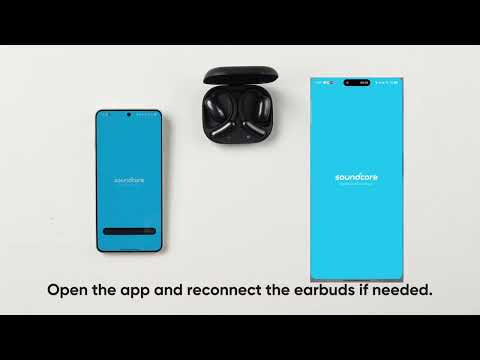
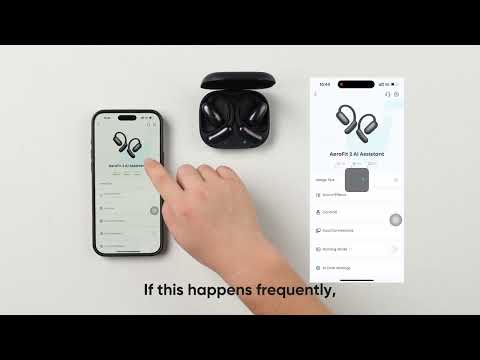
The AI Translation feature in the soundcore app enhances cross-language communication by converting speech in real time. If you’ve updated your device’s firmware but still cannot locate this feature, follow the steps below to ensure compatibility and proper setup. The solution may involve app version verification or regional availability checks.
What Should I Do If the Firmware Has Been Updated to the Latest Version But I Can’t Find AI Translation in the App?
1. Download the soundcore app from the app store. If your soundcore app's version is below 3.8.7, update it to the latest version.
2. To check your app version:
-
Open the soundcore app.
-
Tap on the head icon at the bottom-right corner to access the personal settings.
-
Select "About" to view the app version.
3. If your app version is 3.8.7 or later, check your selected region. This feature is currently not available in Japan.
By confirming your app version and regional settings, you can resolve the issue of missing AI Translation functionality. If you encounter any other issues or your issue has not been resolved, please contact soundcore customer support for further assistance.