What should I do if Life Dot 2 have charging issues or do not power on?
1. Make sure the protective film inside the charging case has been removed
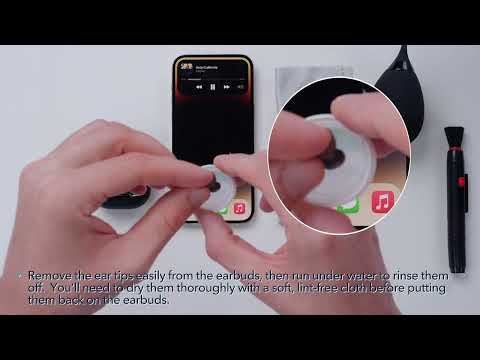
2. Ensure all charging contact pins on the earbuds and charging case are completely clean and dry of sweat and water. You can use a terry cloth/cotton swab with a bit of rubbing alcohol. Then put earbuds correctly into the case.
3. Connect the case to the included USB-C cable and plug it into a USB power source for at least 10 minutes.
Note: There will be one steady white light on the case while it's charging and a steady white light on each earbud to indicate the earbuds are charging in the case. The light will turn off when they are fully charged.
If you have additional questions, please contact us at Service@soundcore.com for further assistance. Make sure to mention that you have tried the steps in this FAQ so our agents do not ask you to repeat these steps.