What should I do if Life A2 NC or Life Dot 2 NC has charging issues?
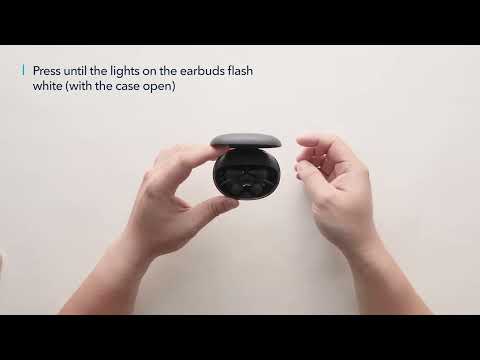
Try the following troubleshooting steps to see if they are helpful: 1. Confirm that the charging case has power left (press the button on the case and note if an LED is illuminated). 2. Clean the charging pins with a dry cloth and an alcohol-based disinfectant to ensure all charging contact pins on the earbuds and charging case are completely clean and dry of sweat and water. Then put the earbuds correctly into the case. When you put the earbuds back into the charging case, the first and third lights on the case will flash twice to indicate both earbuds are charging normally. 3. If they still do not turn on, put the earbuds back into the charging case, close it for 6 seconds, and then open the lid again.
If you have additional questions, please contact us at service@soundcore.com for further assistance. Make sure to mention that you have tried the steps in this FAQ so our agents do not ask you to repeat them.