What should I do if Life A2 NC or Life Dot 2 NC has Bluetooth-related issues?
Try these troubleshooting steps to see if they are helpful: - Make sure your earbuds can be charged and turned on. - Put the earbuds into the charging case and close the case for 10 seconds. Then open the case and try pairing again.
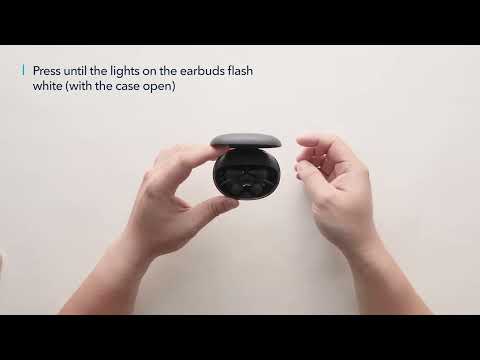
If that doesn't work, try the following: 1. Forget the Bluetooth pairing record on your device if you have previously connected the earbuds. 2. Reset the earbuds. - Place the earbuds into the charging case and leave the cover open. - Press and hold the button at the bottom of the case for 10 seconds until the LED indicators on the earbuds flash red 3 times and then turn white. Wait until the LED indicator on one earbud flashes fast while the other flashes slowly. This confirms that the reset was successful and your earbuds can be connected normally. (See "How do I reset Life A2 NC?" online via keywords "CgjQBZOaTrM")
If you have additional questions, please contact us at service@soundcore.com for further assistance. Make sure to mention that you have tried the steps in this FAQ so our agents do not ask you to repeat them.