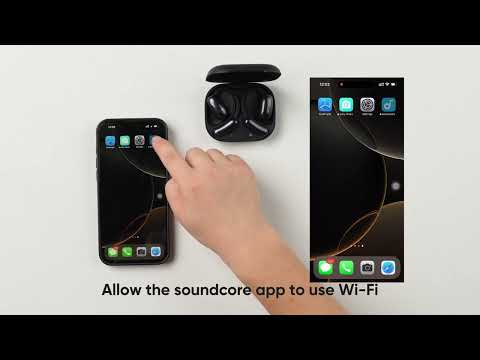
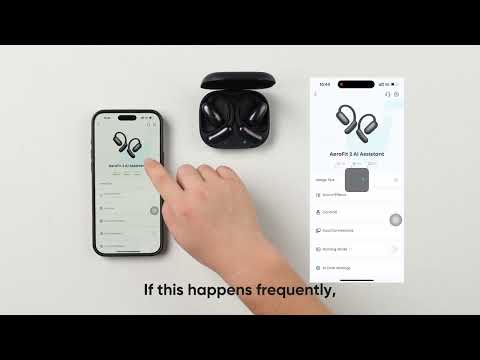
What should I do if I encounter network or server errors in AI Translation?

If you encounter network, server, or connectivity errors while using the AI Translation service, follow these step-by-step solutions to resolve the problem efficiently:


1. Network Issues: Try reconnecting to the internet or switching to a more stable network, then retry.

2. Bluetooth Connection Issues:

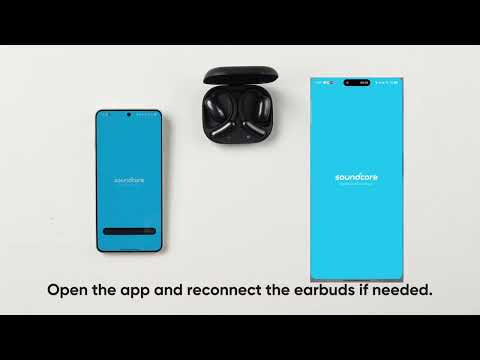
- Disconnect the Bluetooth earbuds from your device.

- Reconnect the earbuds to restore functionality.

3. Device Compatibility: The soundcore app currently supports only smartphones. Make sure your earbuds are paired with a phone.


By addressing these common causes systematically, you can ensure smooth operation of the AI Translation feature. If you encounter any other issues or your issue has not been resolved, please contact soundcore customer support for further assistance.

What should I do if I encounter network or server errors in AI Translation?
48 undefined
soundcore AeroFit Pro 使用者指南 (A3871)
Руководство пользователя soundcore AeroFit Pro (A3871)
soundcore AeroFit Pro 사용 안내서(A3871)
Soundcore AeroFit Pro bruksanvisning (A3871)
Guia do usuário do soundcore AeroFit Pro (A3871)
Uporabniški priročnik za slušalke soundcore AeroFit Pro (A3871)
View More
How-to Video for AeroFit Pro
How to Wear AeroFit Pro
How to Pair AeroFit Pro
How to Re-Pair and Reset AeroFit Pro
How to Charge AeroFit Pro
How to Use AeroFit Pro's Controls
View More
Contact Us