What should I do if Anka AI Assistant does not function properly?

1. Please check if the network connection is stable.

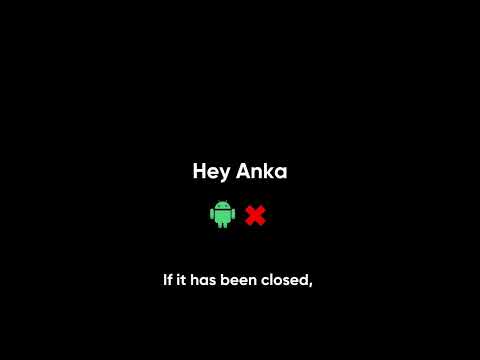
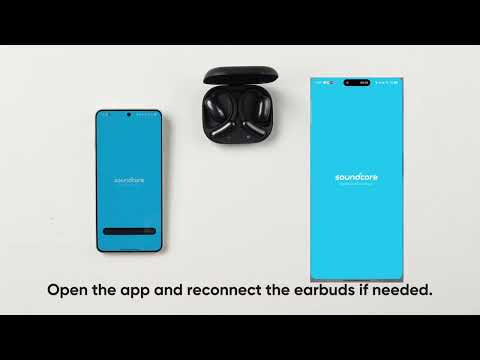
2. For Android phones, please check if the app is running in the background. You can open the app and reconnect the earbuds.

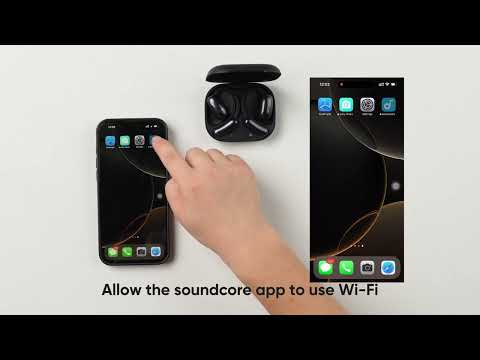
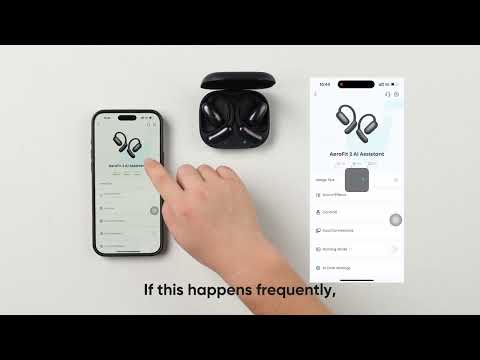
3. Restrictions on different Android systems may prevent the assistant from being activated. Please complete the necessary settings to resolve this issue. Specific settings path: Device Details Page > Anka Settings > “Unable to activate Anka?” (Page as shown in the screenshot on the right)

4. Please check if the wake-up switch in Anka Settings is enabled.

Download icon
What should I do if Anka AI Assistant does not function properly?
Unresolved icon
33 undefined
Download icon
soundcore AeroFit Pro 使用者指南 (A3871)
Download icon
Руководство пользователя soundcore AeroFit Pro (A3871)
Download icon
soundcore AeroFit Pro 사용 안내서(A3871)
Download icon
Soundcore AeroFit Pro bruksanvisning (A3871)
Download icon
Guia do usuário do soundcore AeroFit Pro (A3871)
Download icon
Uporabniški priročnik za slušalke soundcore AeroFit Pro (A3871)
View More
Play videoHow-to Video for AeroFit Pro
How-to Video for AeroFit Pro
Play videoHow to Wear AeroFit Pro
How to Wear AeroFit Pro
Play videoHow to Pair AeroFit Pro
How to Pair AeroFit Pro
Play videoHow to Re-Pair and Reset AeroFit Pro
How to Re-Pair and Reset AeroFit Pro
Play videoHow to Charge AeroFit Pro
How to Charge AeroFit Pro
Play videoHow to Use AeroFit Pro's Controls
How to Use AeroFit Pro's Controls
View More
Contact Us