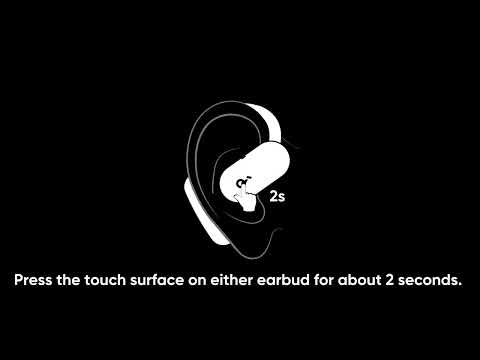
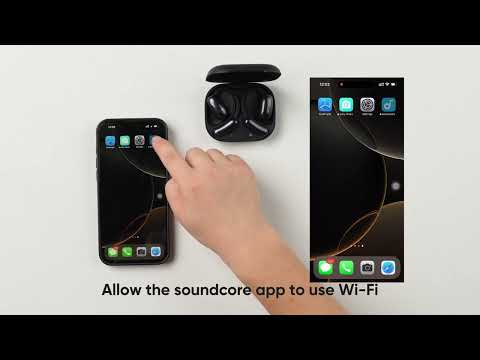
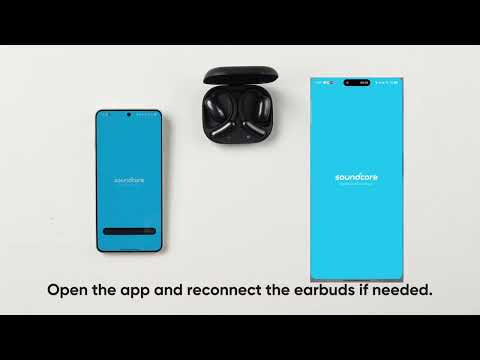
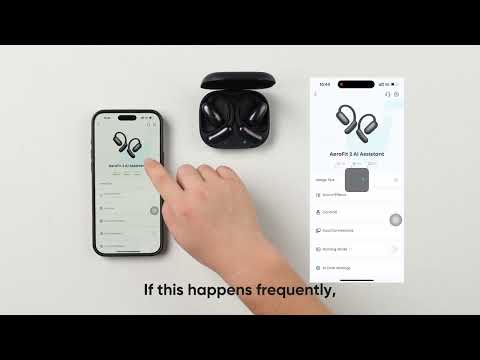
When using AI-powered translation features, reliable audio capture is critical for accurate real-time translations. If the AI Translation function fails to pick up audio, follow the steps below to diagnose and fix the issue quickly. Most solutions involve simple adjustments to the app, device settings, or hardware connections.
What Should I Do if AI Translation Doesn’t Pick Up the Audio?
Try the following:
1. Restart the Feature: Exit and re-enter the translation feature.
2. Restart the App: Close and reopen the soundcore app.
3. Reconnect the Earbuds via Bluetooth: Disconnect and pair them again.
4. Check Network Stability: Make sure the internet connection is stable for proper functionality.
By systematically testing these steps—restarting features, reconnecting devices, or ensuring a stable network—you can often resolve audio pickup issues with AI Translation. If you encounter any other issues or your issue has not been resolved, please contact soundcore customer support for further assistance.