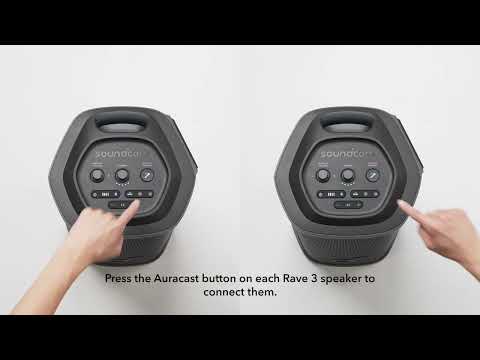
What is Auracast and does Rave 3 speaker support it?
Auracast function can link two or more Auracast-compatible Bluetooth speakers with one click.
To pair multiple Rave 3 speakers, simply power on each one and press the Auracast button. A prompt sound will indicate successful pairing.
1. When connecting two Rave 3 speakers with Auracast, they support left and right channels. Double-click the Auracast button on any unit to switch between left and right channel output.
2. When connecting three or more units via Auracast, Rave 3 will output in mono mode.
If you have additional questions, please contact us at service@soundcore.com for further assistance.