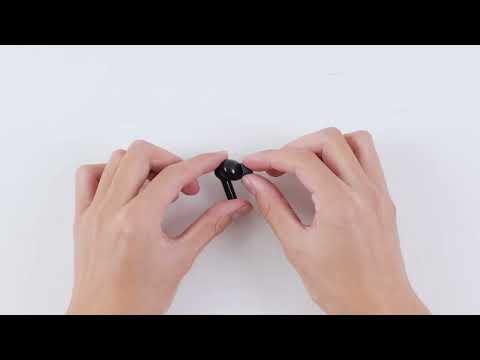
Power on without pairing for Life P2i
1. Place the earbuds back in the case and turn off the earbuds. Take out the earbuds and they will turn on automatically. The phone can be used normally after connecting it back.
2. If this still does not work, try resetting. The steps to reset are:
a) Place the earbuds into the charging case
b) Open the lid of the charging case
c) Press and hold the button on the charging case for 10 seconds until the LED flashes red fast 3 times
d) Press the button for 3 to 4 seconds, and the LED will flash white fast. (Bluetooth pairing state)

If you have additional questions, please contact us at service@soundcore.com for further assistance. Make sure to mention that you have tried the steps in this FAQ so our agents do not ask you to repeat them.
Download icon
Power on without pairing for Life P2i
Unresolved icon
16 undefined
Unlock Our New Easy-To-Use Warranty Service
261233 views381 likes/2025-04-08 16:02:12
soundcore parts and accessories
29170 views1 likes/2025-04-08 16:00:05
How to Reset Your soundcore Headphones
49910 views5 likes/2025-04-08 16:03:59
Parts and Accessories of soundcore Headphones
11912 views1 likes/2025-04-08 16:02:25
How to Identify Genuine soundcore Products
18407 views2 likes/2025-04-08 16:02:15
How to Clean soundcore Headphones
6998 views2 likes/2025-04-08 16:02:37
How to Maintain and Care for soundcore Headphones
5274 views2 likes/2025-04-08 16:02:59
Download icon
A3991 Life P2i Quick Start Guide
Download icon
A3991 Life P2i DOC
Download icon
A3991 Life P2i User Manual
Download icon
A3992C_soundcore_Life_A3i_Manual
Download icon
A3992 Life A3i Quick Start Guide
Download icon
EU Declaration of Conformity for soundcore A3i_A3992
View More
Play videoHow to Use Life P2i
How to Use Life P2i
Play videoHow to Clean Your Headphones
How to Clean Your Headphones
Play videoHow to Clean Your Headphones
How to Clean Your Headphones
Play videoHow to Clean Your Headphones
How to Clean Your Headphones
Contact Us