My microphone has no sound and others can’t hear me, what should I do?
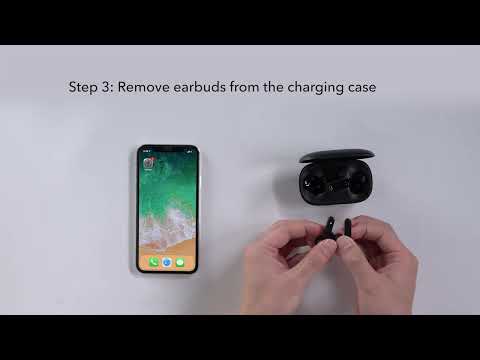
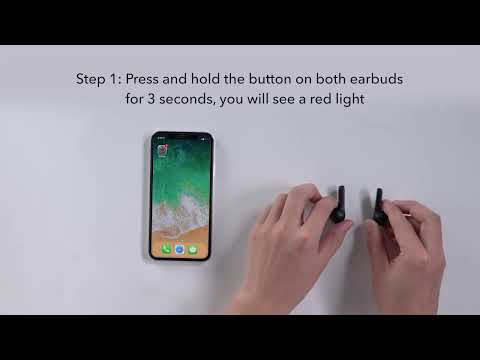
Please try the following troubleshooting steps as these have proven to help: - Use the default phone call on another phone to see if it makes any difference. - Reset the earbuds as shown below to see if the problem persists. - Place the earbuds in the charging case and make sure they are charging. - Keep the earbuds inside the charging case and hold the button on both earbuds for 3 seconds. The LED indicators will flash red 3 times and then turn white.
If you have additional questions, please contact us at service@soundcore.com for further assistance. Make sure to mention that you have tried the steps in this FAQ so our agents do not ask you to repeat them.