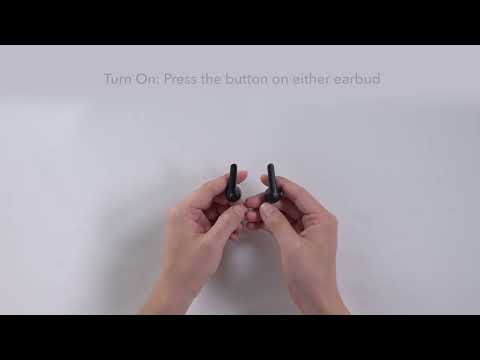
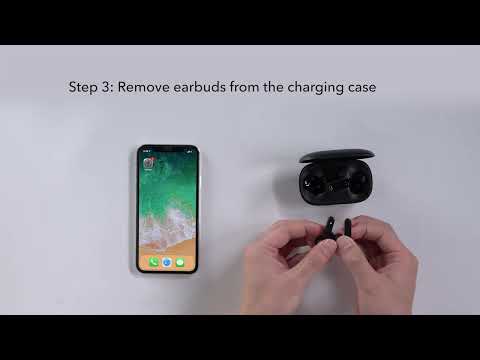
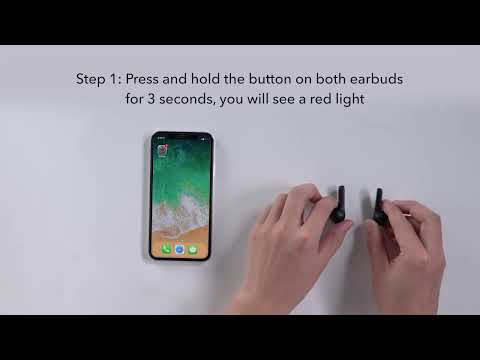
Try the following steps to see if they are helpful: - Make sure the charging case has enough power. Note: After the earbuds are fully charged, the solid white light on the earbuds will shut off. - Take the earbuds out of the case and see if a flashing white light comes on. If it doesn't, try manually pressing the button or touchpad of the earbuds to power them on. - Try using a terry cloth or cotton swab with a bit of alcohol to clean the contact pins both in the charging case and on the earbuds to ensure a better connection. - Try using another Type-C charging cable and charger to power the charging case.
If you have additional questions, please contact us at service@soundcore.com for further assistance. Make sure to mention that you have tried the steps in this FAQ so our agents do not ask you to repeat them.