If your projector has issues with a black or flickering screen, it could be due to the following two reasons:
-
Switching from basic TV to Google TV (by logging in to your Google account) causes the Google launcher to automatically update.
-
The Google launcher is automatically updating in the background.
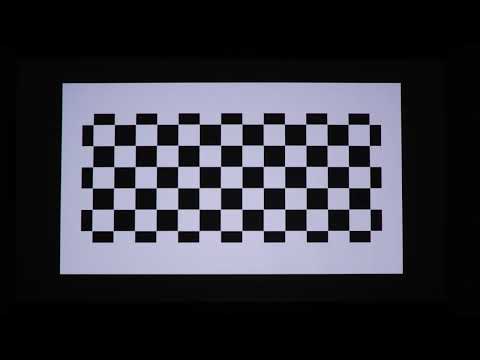
Here's a picture showing the issue:
When you encounter a black or flickering screen, wait 3-5 minutes for the update to complete, and it should return to normal. While waiting for the update to complete, do not perform a forced shutdown or disconnect the network.
If the projector is turned off or the network is unexpectedly interrupted while the Google launcher is updating, ensure the network is normal, restart the projector, and then try again.
If you do not want this situation to occur again, you can disable automatic Google launcher updates by following these steps:
-
Go to the Google Play store, click on your avatar, and navigate to Manage Apps & Games > Updates, then click "Update All" to update all applications.
-
Go back, then go to Settings > Auto-Update Apps, and select "Don't Auto-Update Apps."
If the above solutions cannot solve your issue, please contact us for further assistance.