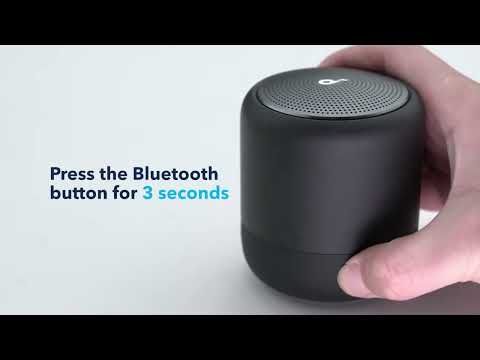
A reset can reboot your speaker or it can clear all the current settings and revert it back to its original out-of-box state. If you encounter issues such as being unable to connect to Bluetooth, noise, audio delay, PartyCast pairing, or no sound, please try to reset your device.
To restore the factory default settings:
Note: This reset erases all settings and reverts the speaker to its default out-of-box state.
1. Power on your speaker.
2. Press and hold both Bluetooth and Volume+ buttons at the same time for about 5 -10 seconds and a voice prompt informs you that the speaker has powered off.
If you have additional questions, please contact us at service@soundcore.com for further assistance.