How to pair Motion boom plus with Flare 2?
PartyCast wirelessly synchronizes your music across an almost unlimited number of PartyCast-compatible speakers.
1. Connect the phone to Motion Boom Plus via Bluetooth. Press the PartyCast button, and you will see a steady white light.
2. Turn on Flare 2, then hold the Bluetooth button for 2 seconds until the white light flashes.
3. Wait for a few seconds. A steady white light on Flare 2 indicates the pairing is successful.
4. Press the PartyCast button on Motion Boom Plus twice. The phone will play music, and both devices will sound at the same time.
If you still have any questions, please contact us for further assistance.


20 undefined
Soundcore Warranty Policy


How to Pair soundcore Speakers via PartyCast?
How Do I Pair Trance Go and Flare 2 Speakers via PartyCast?
Soundcore Motion Boom Plus A3129 FAQ
Payments & Vouchers FAQ
How to Register Your E-Warranty Card in the Soundcore App
Guide to Locating the Serial Number (SN) of Your soundcore Speakers
soundcore Speakers with Multifunction Feature

【A3129】Soundcore Motion Boom Plus EU Declaration
soundcore Motion Boom Plus User Guide (A3129)
A3165_Soundcore_Flare_2_Manual
A3129_Motion_Boom_Plus_Manual
A3165_Soundcore_Flare_2_QSG
A3129_Motion_Boom_Plus_QSG
View More

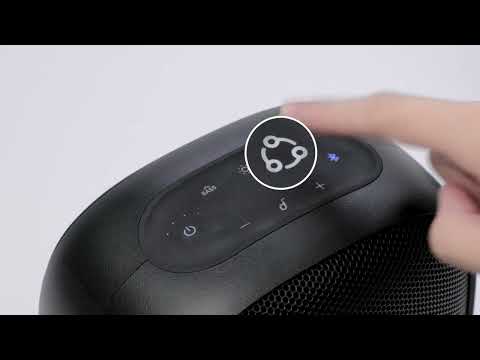
How to pair Motion Boom Plus with Rave Neo
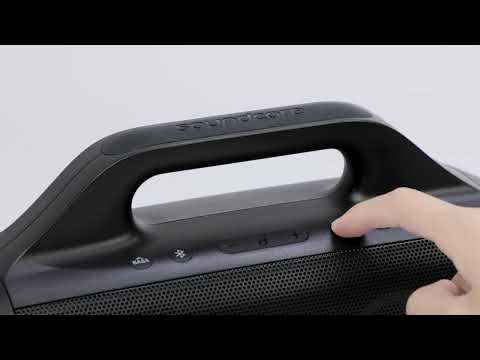
How to pair Motion Boom Plus with Select Pro
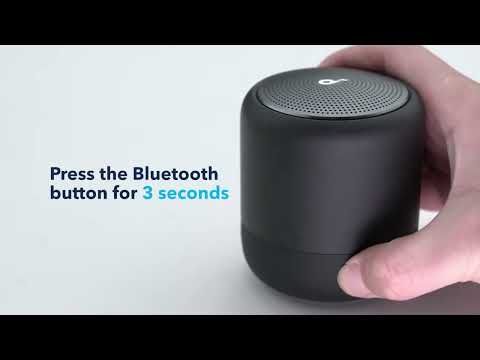
How to pair Soundcore 3, Mini 3, and Flare 2 Speakers via PartyCast
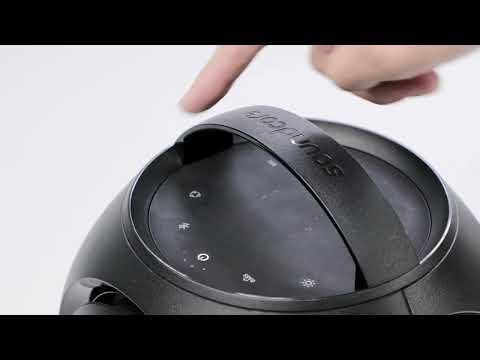
How to pair Motion Boom Plus with Rave PartyCast
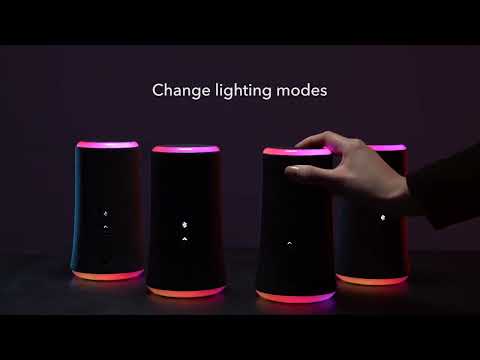
How to pair two Flare 2 Speaker
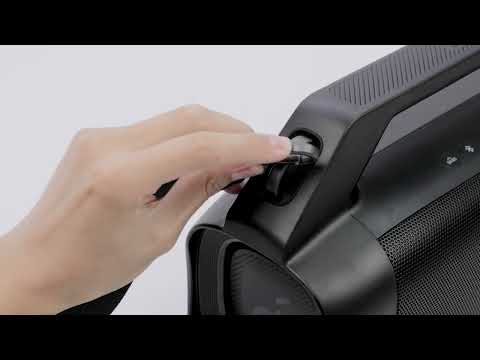
Unboxing and charging the Motion Boom Plus Speaker
View More


