How Do I Adjust the Light Effects on Flare Series Speakers?
The following steps are two ways to adjust the light effect:
- Adjust the light effect via the Soundcore app. Download the Soundcore app to check all available light modes.
- Launch the Soundcore app and select the Flare series to choose your speaker model.
- After the speaker is connected, select the Light Effect to choose the light effect mode according to your preference.
Note: The original version of the Soundcore Flare Mini speaker doesn't support the Soundcore app.
- Adjust the light effect via the speaker's Light Effect button directly:
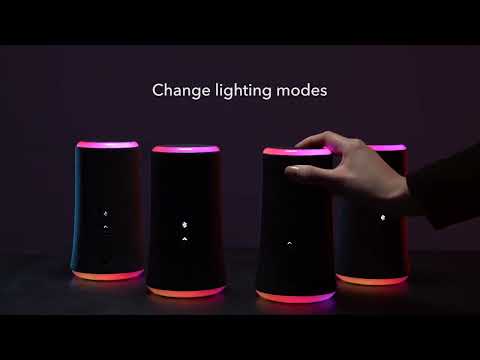
- Press the Light Effect button to turn on or switch light effect modes.
- Press and hold for 2 seconds to turn off the light effect.
If you have additional questions, please contact us at service@soundcore.com for further assistance.


20 undefined
Soundcore Warranty Policy


How to Pair soundcore Speakers via PartyCast?
How to Use an AUX Cable to Play Music on Two Flare Speakers?
What Should I Do If There is No Sound After Connecting My Soundcore Flare to a Computer via Bluetooth?
What Should I Do If My Flare Cannot be Connected to a Computer?
How Do I Pair Trance Go and Flare 2 Speakers via PartyCast?
What Should I Do If There is No Sound after Connecting My Flare Mini to a PC via Bluetooth?
What are the Differences Between Soundcore Flare and Flare Mini?

A3165_Soundcore_Flare_2_Manual
A3167_Flare_Mini_Manual
A3167012_Soundcore_Flare_Mini(Gen2)_QSG
A3165_Soundcore_Flare_2_QSG
A3161_Soundcore_Flare_Declaration_of_Conformity
A3167012_Soundcore_Flare_Mini(Gen2)_Manual
View More

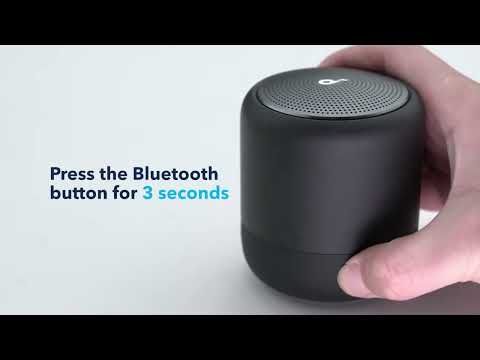
How to pair Soundcore 3, Mini 3, and Flare 2 Speakers via PartyCast
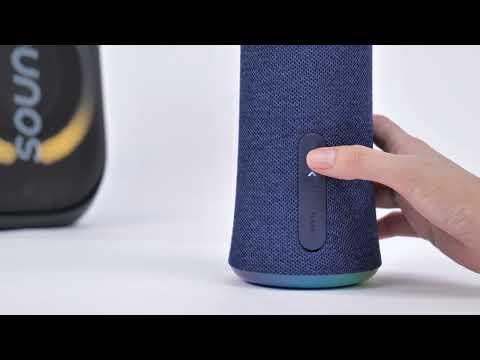
How to pair two Flare 2 Speaker
How to pair Motion Boom Plus with Flare 2
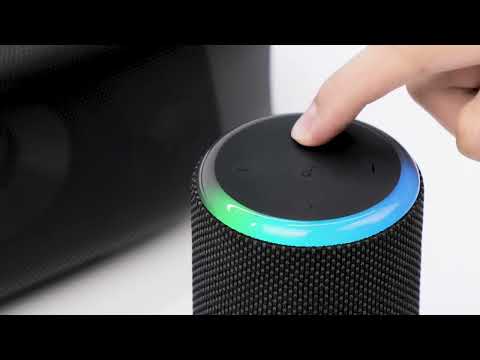
How to pair Rave Neo 2 and Flare 2 Speakers via PartyCast


