How to Improve Bass or Sound Quality on AeroClip
What should I do if the bass is weak on AeroClip?
You can select different sound effects in the soundcore app.
-
To enhance the bass, go to Sound Effects > Bass Booster to enhance the bass.
-
To customize EQ, go to Sound Effects > Custom EQ.
What should I do if the sound quality is poor or unclear?
You can adjust the sound in the soundcore app:
-
Navigate to Sound Effects > Custom EQ to fine-tune the audio settings for better clarity.
If you encounter any other issues or your issue has not been resolved, please contact us for further assistance.


20 undefined
Tips for Using Your New soundcore AeroClip


soundcore AeroClip FAQ
How to Register Your E-Warranty Card in the Soundcore App
How to Get Better Noise Cancellation
What should I do if the firmware upgrade fails on AeroClip?
Why isn't the EQ setting working?
What should I do if I can't find AeroClip in the soundcore app?

【A3388】soundcore AeroClip EU Declaration
soundcore AeroClip Lietotāja rokasgrāmata (A3388)
soundcore AeroClip Упатство за корисник (A3388)
soundcore AeroClip Gwida għall-utent (A3388)
soundcore AeroClip Udhëzuesi i përdoruesit (A3388)
soundcore AeroClip Foydalanuvchi qo‘llanmasi (A3388)
View More

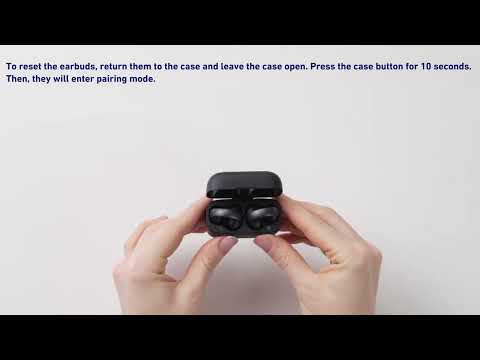
How to Pair soundcore AeroClip with a New Device
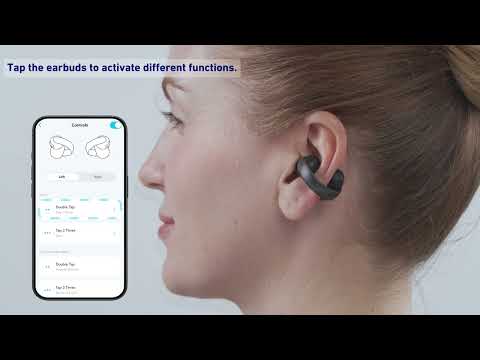
How to Use soundcore AeroClip Tap Controls
What's in the Box of soundcore AeroClip
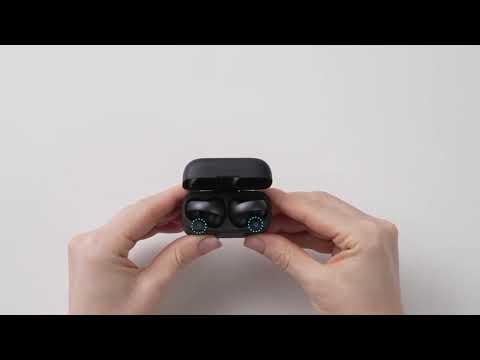
How to wear soundcore AeroClip
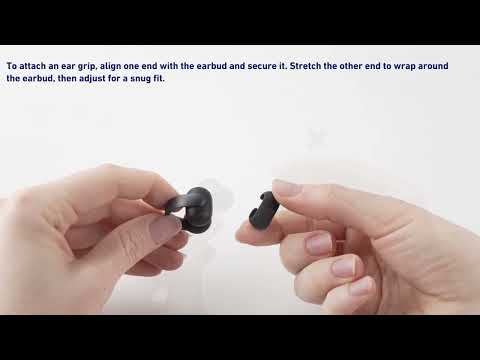
How to Install the Ear Grips of soundcore AeroClip
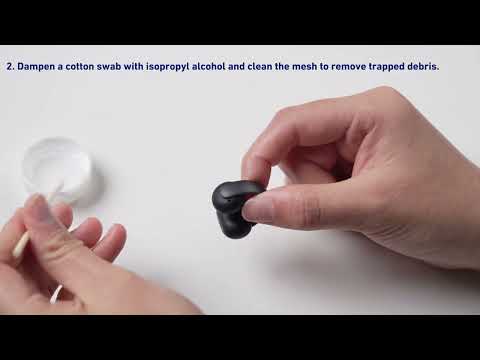
How to Clean soundcore AeroClip
View More


