Try one of the following options if you are noticing focus issues with Cosmos Laser:
1. Update the firmware of the 4K dongle and Cosmos Laser to the latest version:
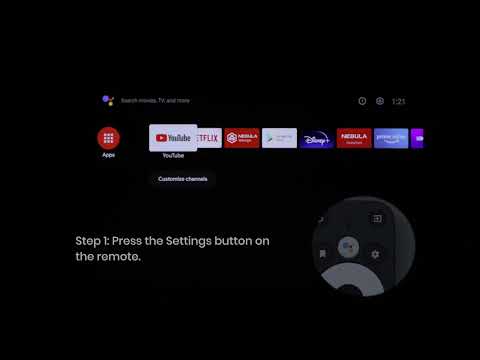
- Press the Settings button on the remote and select Settings > Device Preferences > About > System Update.
- Press the Settings button on the remote and select Settings > Device Preferences > About > Projector Firmware Update.
2. Wipe away any dirt on the lens. We recommend a soft, clean, and dry cloth for eyewear or lenses. You can also use a clean, dry tissue. IMPORTANT: Do not dampen the cloth or tissue to avoid damaging the lens.
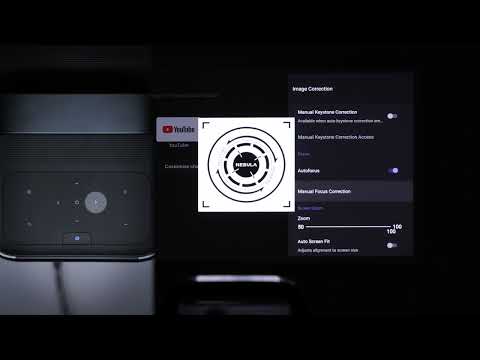
3. Press the Settings button on the projector or the Source button on the remote, and select Advanced Settings > ToF - Calibration to calibrate the autofocus.
4. Place the projector between 5-13 ft (1.5-4 m) away from your screen.
If you still have any questions or concerns regarding the focus issue, contact us for further assistance.