How Do I Switch to Bluetooth Speaker Mode on Cosmos Laser?
You can use the Cosmos Laser as a standalone Bluetooth speaker via the following steps:
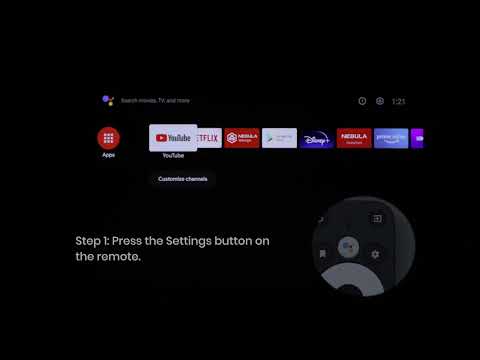
1. Access Projector Settings from the top panel of the projector, then go to Bluetooth Speaker Mode to enter Bluetooth Speaker Mode. You can also enter Bluetooth Speaker Mode in Nebula Connect by pressing the Settings button.
2. Enable Bluetooth on your phone and select "Nebula-XXXXXX" to connect.
After connecting, the projector light will shut off shortly. When you're finished with Bluetooth Speaker Mode, just press the back button on the top of your projector.
If you have additional questions, please contact us for further assistance.