Hey Cosmos Laser customer,
We hope you're having a great time with your new Cosmos Laser. We've just released a new firmware version for Cosmos Laser (V2.5.59 / V1.5.50) and 4K Dongle (V10.2.38). Here's what we updated:
1. Fixed firmware update errors.
2. The Bluetooth headset should remain connected and no longer randomly disconnect.
3. You can fully control the HDMI device after updating the projector firmware.
4. HDMI signal should now be recognized without issue.
5. Fixed Wi-Fi connection issues.
6. Improved picture quality in dark settings.
For a more stable remote control connection, please update the projector firmware and dongle system to the latest version.
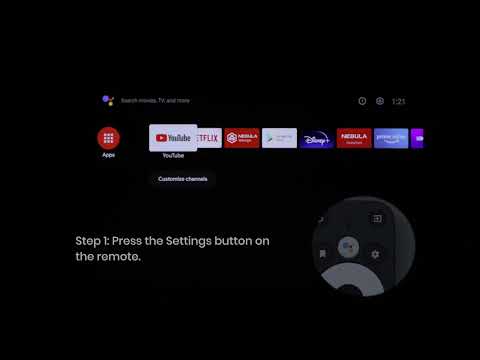
Here's how to update your firmware:
Cosmos Laser: Go to Settings > Device Preferences > About > Projector Firmware Update.
4K Streaming Dongle: Go to Settings > Device Preferences > About > System Update.
If you have any questions or concerns, reach out to us anytime via the Anker Nebula's Help page or email support@seenebula.com.
The us Team