How do I upload the log for Google TV projector?

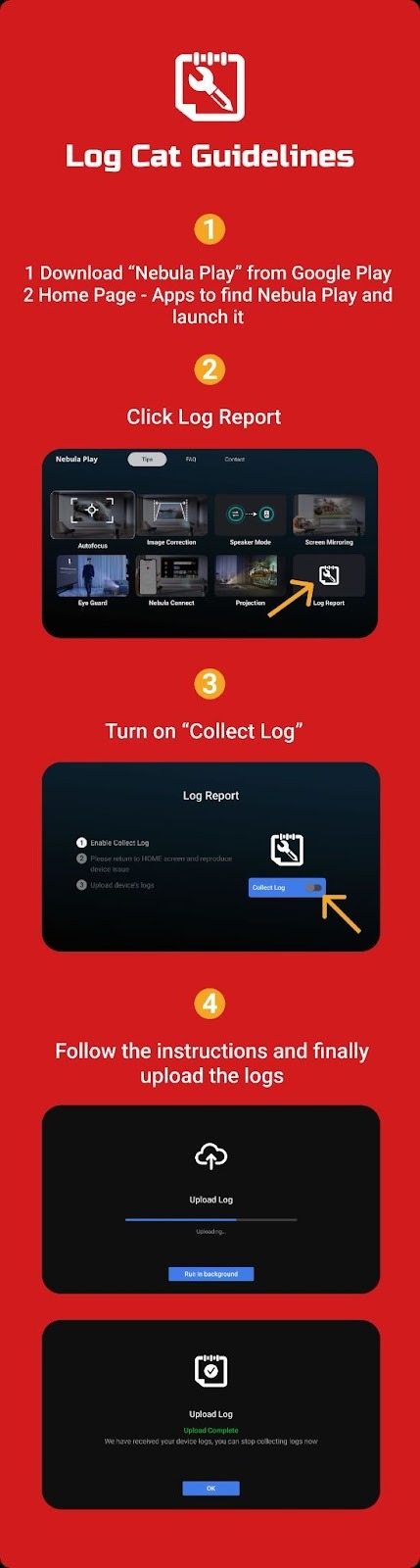
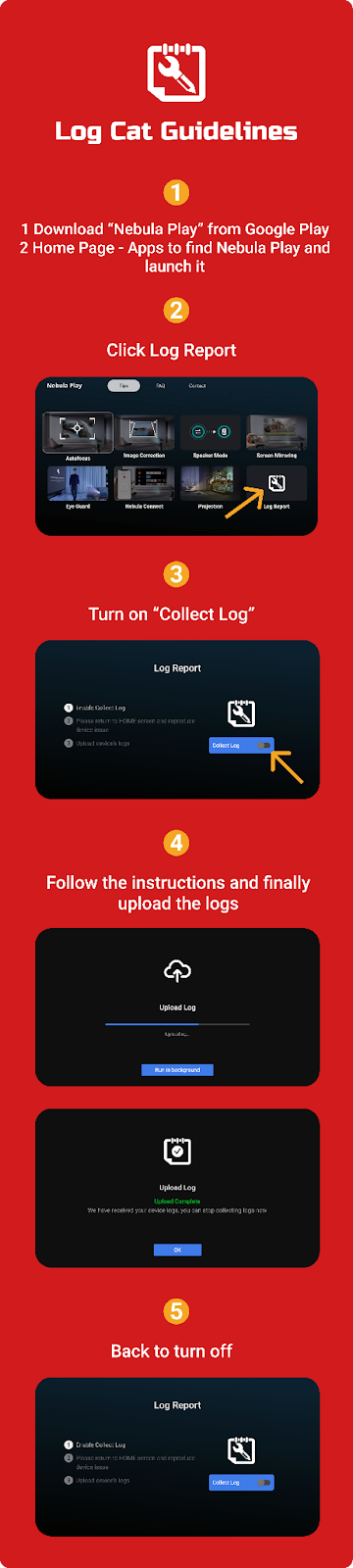
1. Download nebula play

2. Go to Tips->Log Report page

3. Turn on Collect Log switch

4. Restart the device

5. After reproducing the problem, click Upload, wait for the upload to succeed, then please inform customer support with your serial number and  provide us with the exact time when the problem occurred (To view the SN, go to Settings/System/About/Status and check the Serial Number.)

If you still have any questions, please contact Nebula customer support at Support@seenebula.com for further assistance. 


If you still have any questions, please contact Nebula customer support at Support@seenebula.com for further assistance. 
Unresolved icon
20 undefined
Download icon
【D4112】NEBULA Capsule Air EU Declaration
Download icon
【D2342】NEBULA Cosmos 4K SE EU Declaration
Download icon
【D2351】NEBULA X1 EU Declaration
Download icon
【D2325】 Nebula Mars 3 Air EU Declaration
Download icon
【D2425】Nebula Capsule 3 EU Declaration
Download icon
Mars 3 Air_Manual
View More
Play video
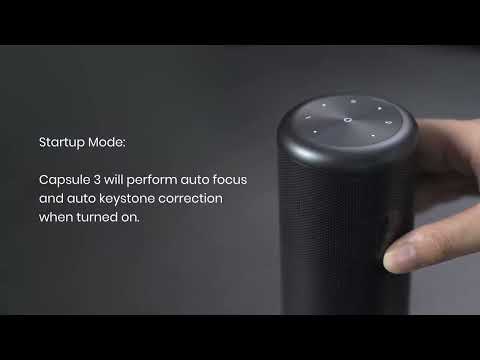
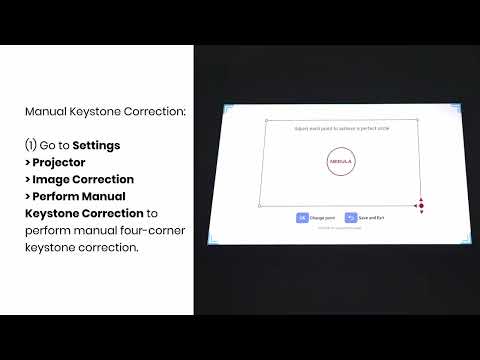
Auto and Manual Keystone Correction
Play video
Manual Keystone Correction and Zoom
Play video
Input and Output
Play video
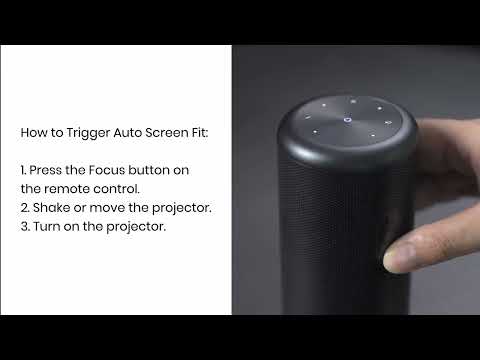
Auto Screen Fit (EN)
Play video
Auto Avoidance
Play video
How to Use the Stand
View More
Contact Us