How do I unlink soundcore Work from my account?
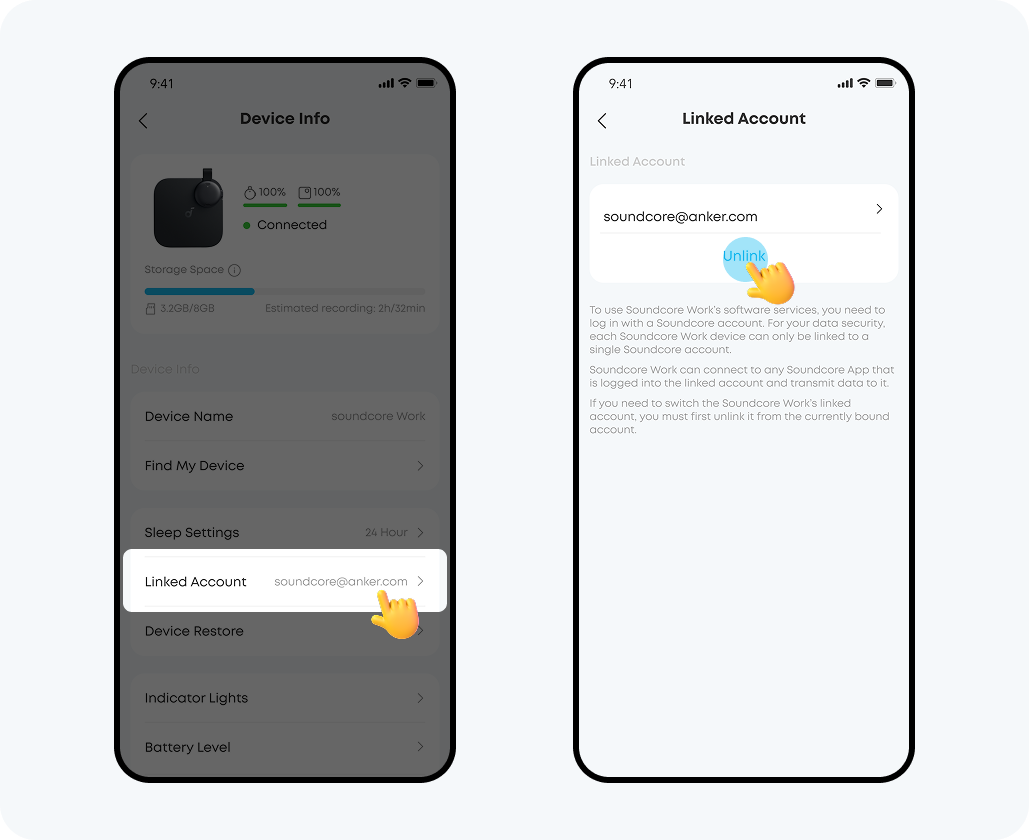
Go to Device Info, click "Linked Account" and then click "Unlink." After unlinking, the device will be unassociated with your account.

Please note:
· When the device is unbound from the app account, all files on the device that have not yet been uploaded to the app will be automatically deleted, which means the device data will be cleared.
· Recordings that have already been uploaded to the app but have not yet been synced to the cloud will not be affected or deleted automatically.
If you encounter any other issues or your issue has not been resolved, please contact us for further assistance.


55 undefined

soundcore work User Guide (D3200)

soundcore Work Benutzerhandbuch (D3200)

【D3200】【soundcore Work】EU Declaration

soundcore work Ръководство за потребителя (D3200)

soundcore Work Korisničko uputstvo (D3200)

soundcore Work Пайдаланушы нұсқаулығы (D3200)
View More

![[All in one] How to Use soundcore Work | soundcore Support](https://img.youtube.com/vi/HVudMNTjbFk/hqdefault.jpg)
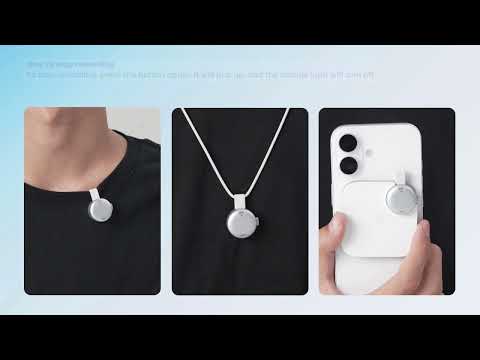
[All in one] How to Use soundcore Work | soundcore Support


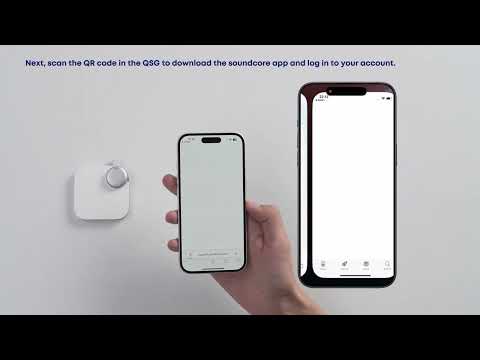
First-Time Setup: Activating and Connecting Your Device | soundcore Support


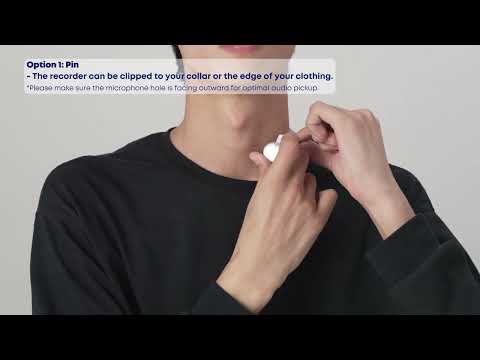
Getting Ready to Record: How to Wear and Use theDevice | soundcore Support


Charging soundcore Work | soundcore Support


Recording Controls: Start, Stop, and Mark Key Moments | soundcore Support


Transferring Audio Recordings for Review, Transcripption, and Summarization | soundcore Support
View More