How do I transfer files to my phone using soundcore Work?

1. iOS devices

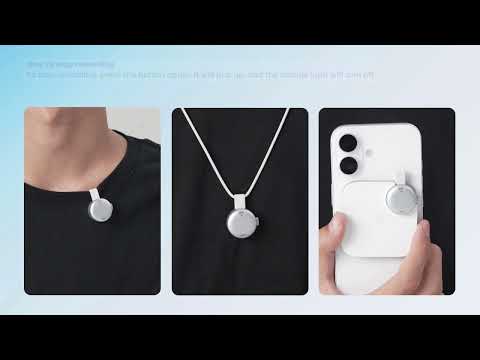
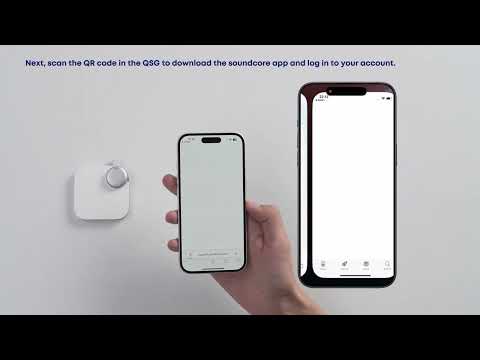
Keep your iPhone nearby. When you press the record button on the recorder to start recording, the soundcore app will automatically launch, enabling real-time recording and transmission.


2. Android devices

- Android users who wish to enable the recording and transmission feature must manually open the soundcore app before recording.

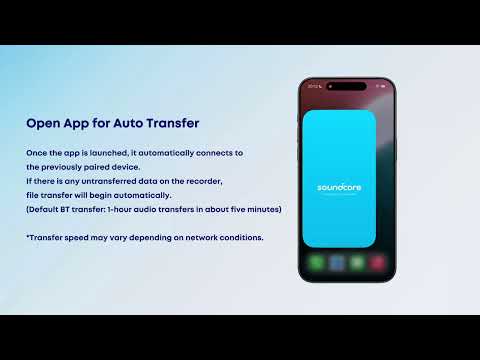
- When you open the app, it will automatically connect to the devices you have previously paired with.

If there is any unfinished data transfer in your recorder, it will automatically begin the data transfer process. 


Usage tip: Approximately two minutes are required to transfer one hour of audio. Transfer speeds may vary depending on network conditions. You can also choose Wi-Fi Fast Transfer to increase transfer speeds.


If you encounter any other issues or your issue has not been resolved, please contact us for further assistance.

How do I transfer files to my phone using soundcore Work?
51 undefined
EU Declaration of Conformity for soundcore A3i_A3992
A3961 QSG V2(1)
UK&CA Declaration of Conformity for soundcore Liberty 4_A3953
EU Declaration of Conformity for soundcore Liberty 4_A3953
A3947_Liberty 4 NC_QSG
Liberty 4_A3953_QSG
View More
How to use Liberty 4 Wellness features
How to Wear Liberty 4 and Change Eartips
How to Pair and Reset Sport X10
How to solve a connection issue on Sleep A10
How to Connect to the Soundcore App and Update Firmware for Sport X10
How to Use Features On the Soundcore App for Sport X10
View More
Contact Us