How do I reset Liberty 2 Pro Upgraded Version?
Firstly, please delete/forget the pairing history of Liberty 2 Pro + on your devices.
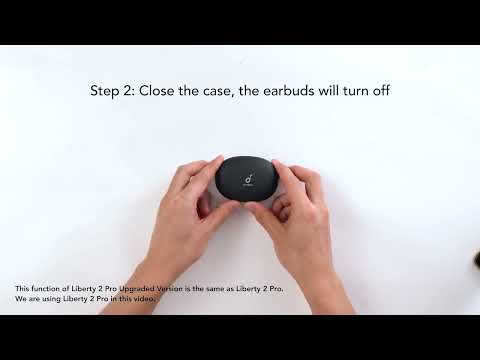
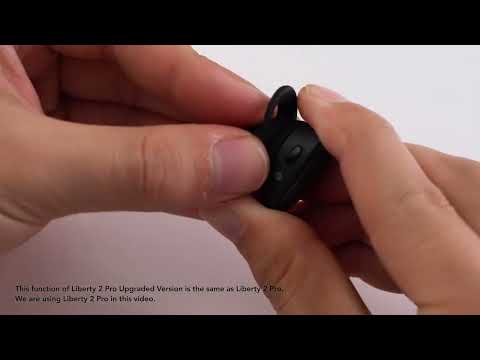
Then place the earbuds back into the charging case and keep the case open, tap and hold the button at the back of the case for 10 seconds until both the earbuds' LED starts blinking red 3 times. This will clear the pairing information and the reset will begin automatically.
If you have additional questions, please contact us at Service@soundcore.com for further assistance. Make sure to mention that you have tried the steps in this FAQ so our agents do not ask you to repeat these steps.


22 undefined

A3930 Liberty 2 Pro Upgraded Version Quick Start Guide

A3930 Liberty 2 Pro Upgraded Version DOC

A3930 Liberty 2 Pro Upgraded Version User Manual

A3931 Life Dot 2 NC Quick Start Guide

A3931 Life Dot 2 NC DOC

A3931 Life Dot 2 NC User Manual
View More


How to Wear the Liberty 2 Pro Upgraded Version Correctly


How to Use HearID for Liberty 2 Upgraded Version


How to Pair Liberty 2 Pro Upgraded Version


How to Reset Liberty 2 Pro Upgraded Version


How to Replace the EarWings and EarTips on Liberty 2 Pro Upgraded Version


How to Power Liberty 2 Pro Upgraded Version On/Off and Use the Controls
View More