To power on:
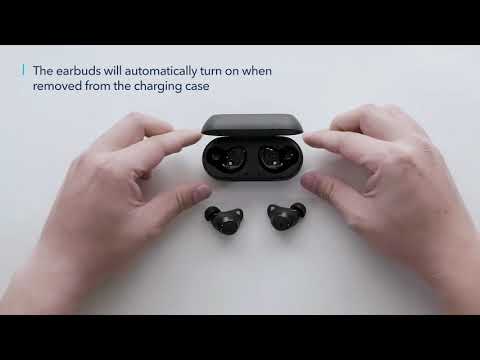
- The earbuds will automatically power on when taken out of the charging case. The LED indicator on the earbuds will light up white for 1 second.
- To manually power on, press and hold the multi-function button on both earbuds for 1 second until the LED indicator turns white for 1 second.
To power off:
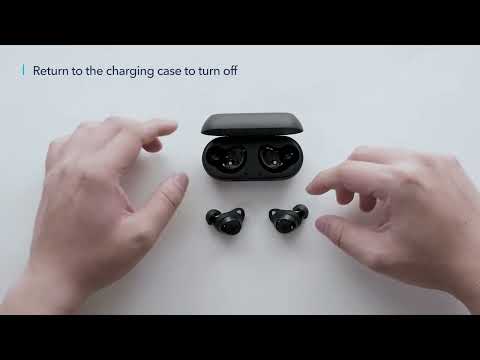
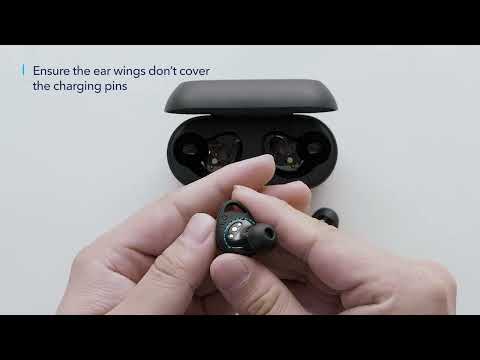
- Place the earbuds in the charging case.
- The earbuds will turn off automatically after 2 minutes if no device is connected.
- When you keep connecting the earbuds with your device, they will only turn off when the battery runs out.
- To manually power off, press and hold the multi-function button on either earbud for 8 seconds until the LED indicator turns red for 1 second.
If you have additional questions, please contact us at service@soundcore.com for further assistance.