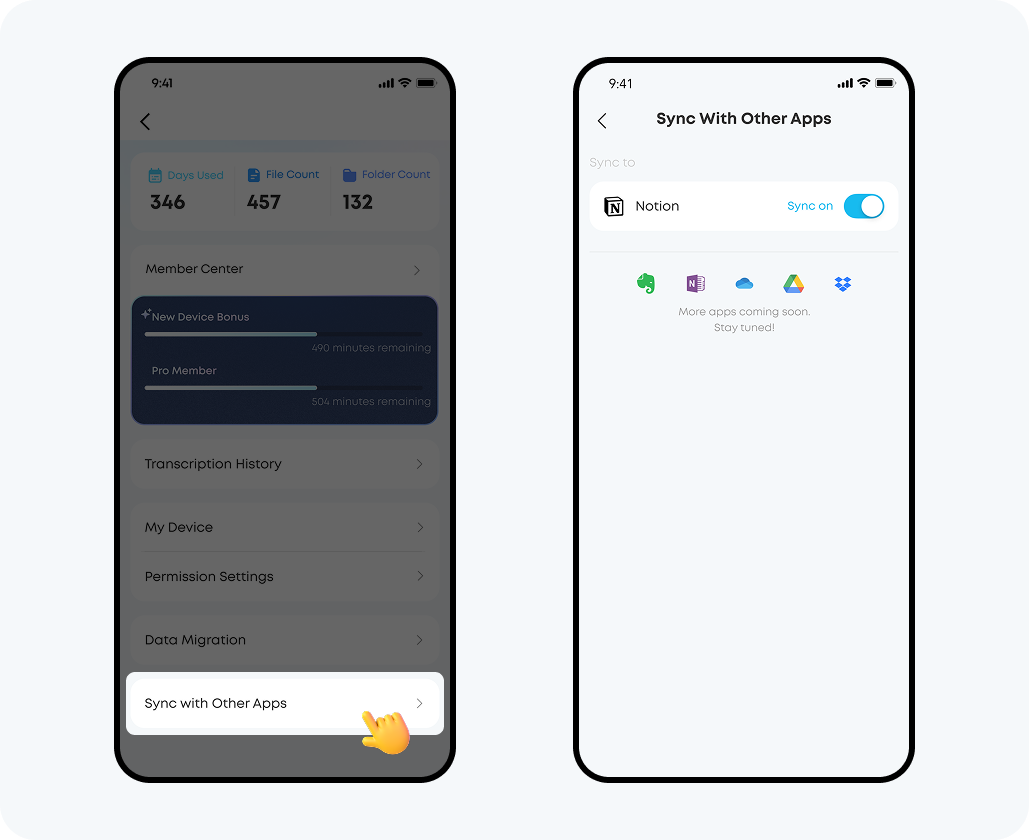
How can I sync files from the soundcore app to third-party apps?

Go to the "Sync with Other Apps" page in the Account Center, complete the authorization process, and then enable automatic synchronization. All content will be synchronized to your linked third-party applications, such as Notion.


If you encounter any other issues or your issue has not been resolved, please contact us for further assistance.

Download icon
How can I sync files from the soundcore app to third-party apps?
Unresolved icon
51 undefined
Download icon
soundcore Work Benutzerhandbuch (D3200)
Download icon
【D3200】【soundcore Work】EU Declaration
Download icon
soundcore Work Guía del Usuario (D3200)
Download icon
soundcore work Ръководство за потребителя (D3200)
Download icon
soundcore Work Guida per L'utente (D3200)
Download icon
soundcore Work Korisničko uputstvo (D3200)
View More
Play video[All in one] How to Use soundcore Work | soundcore Support
[All in one] How to Use soundcore Work | soundcore Support
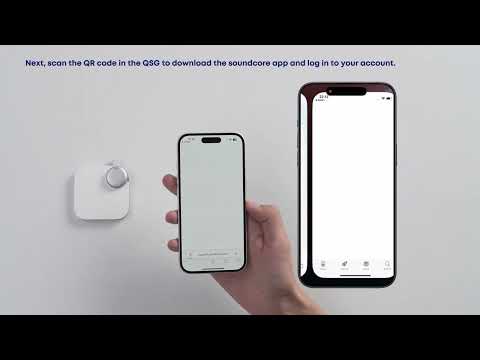
Play videoFirst-Time Setup: Activating and Connecting Your Device | soundcore Support
First-Time Setup: Activating and Connecting Your Device | soundcore Support
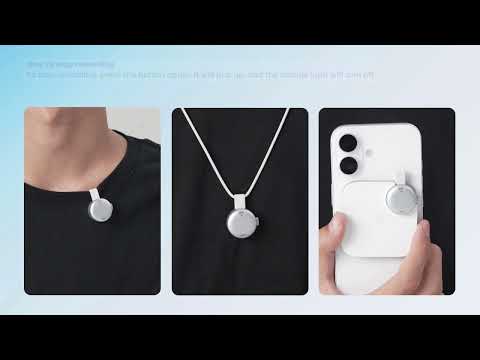
Play videoGetting Ready to Record: How to Wear and Use theDevice | soundcore Support
Getting Ready to Record: How to Wear and Use theDevice | soundcore Support
Play videoCharging soundcore Work | soundcore Support
Charging soundcore Work | soundcore Support
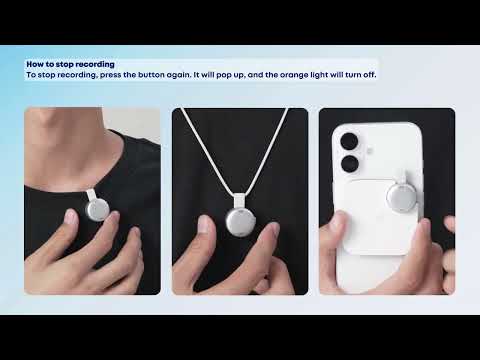
Play videoRecording Controls: Start, Stop, and Mark Key Moments | soundcore Support
Recording Controls: Start, Stop, and Mark Key Moments | soundcore Support
Play videoTransferring Audio Recordings for Review, Transcripption, and Summarization | soundcore Support
Transferring Audio Recordings for Review, Transcripption, and Summarization | soundcore Support
View More
Contact Us