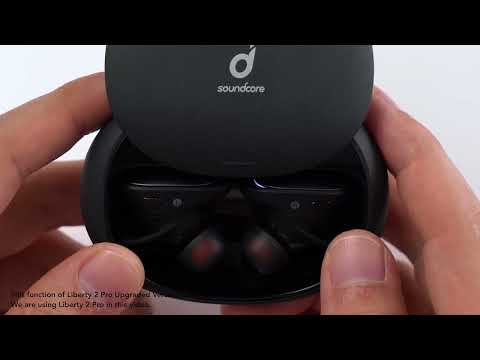
Can Liberty 2 Pro Upgraded Version be paired with multiple devices at the same time?
This feature is currently not supported.
If you want to pair the Liberty 2 Pro Upgraded Version with a different device, please use one of the following methods:
Turn off the Bluetooth on your current device. The earbuds will enter pairing mode.
Or
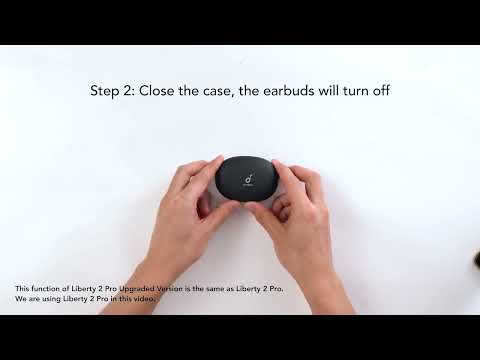
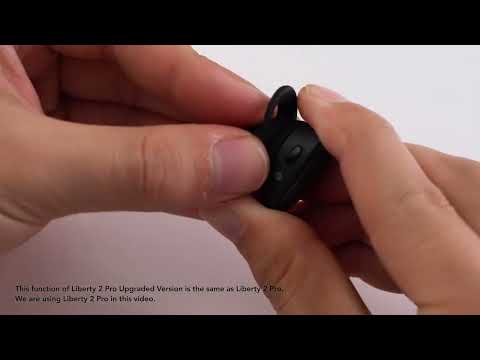
Place the earbuds back into the charging case and keep the case open, then tap and hold the button at the back of the case for 3 seconds until the right earbud's LED flashes white rapidly. The earbuds will disconnect from the current device and enter pairing mode.
If you have additional questions, please contact us at Service@soundcore.com for further assistance.