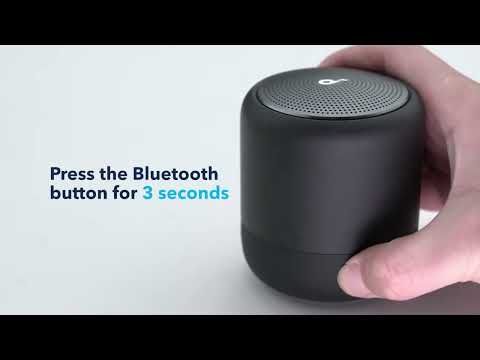
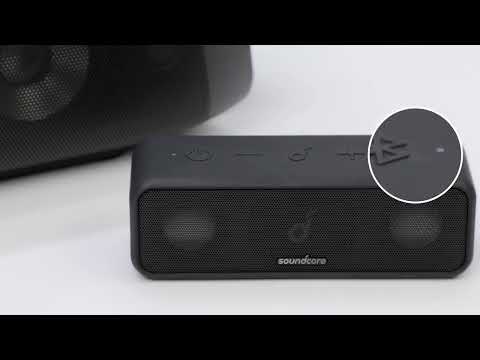
Some of our speakers that support the Anker soundcore app can customize the EQ settings according to your preferences. Listed below are tips on how to configure the EQ settings for your reference.
- Download the Anker soundcore app from the Google Play Store or Apple App Store.
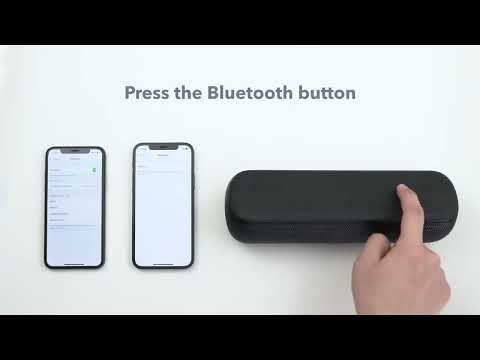
- Pair your speaker to your phone via Bluetooth.
- Open the Anker soundcore app and make sure the speaker is connected in the app.
- Find Equalizer Settings in the Anker soundcore app to adjust the EQ of your speaker.
Note: Normally the custom EQ can be saved even if you connect the speaker to the different devices.
Different speakers have different sound frequency ranges, listed below are tips for your reference when you set the customized EQ.
● 80Hz: Raise the bar on the wave equalizer to get a deeper bass and vice versa;
● 150Hz: Raise the bar on the wave equalizer to get more punchy bass and vice versa;
● 300~1kHz: Raise the bars on the wave equalizer to get a clearer human voice and vice versa;
● 5kHz & 8kHz: Raise the bars on the wave equalizer to get a more crispy music instrument sound and vice versa;
● 12kHz: Raise the bar on the wave equalizer to get more sound detail / a wider spatial feeling and vice versa.
If you have additional questions, please contact us at Service@soundcore.com for further assistance.