Why is the touch control not responsive at times on my Liberty Buds?

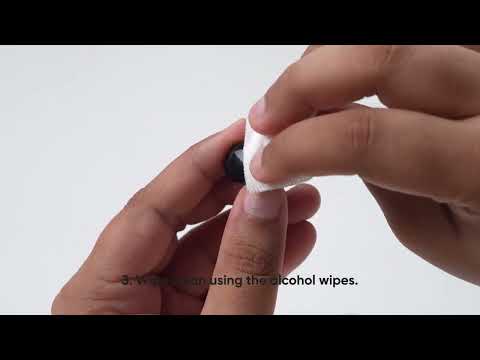
1. Keep your hands clean and dry.

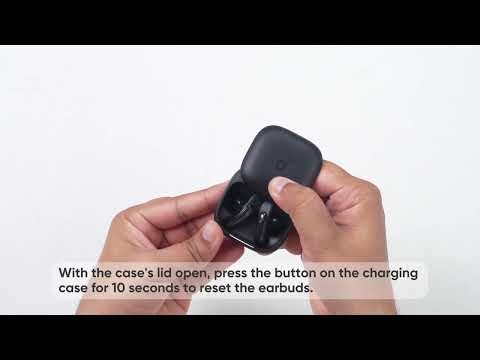
2. Use the touch surface, located on the logo of each earbud.

3. For a double press, tap quickly twice. For a single press, wait at least 1 second before pressing again.

4. Listen for a chime when wearing the earbuds. If you don't hear it, wearing detection might have failed, which can prevent touch controls from working.


To fix it:

- Try different ear wings for a better fit.

- Turn off the Wearing Detection feature in the app.


If you encounter any other issues or your issue has not been resolved, please contact us for further assistance.

Why is the touch control not responsive at times on my Liberty Buds?
39 undefined
EU Declaration of Conformity for soundcore A3i_A3992
A3961 QSG V2(1)
UK&CA Declaration of Conformity for soundcore Liberty 4_A3953
EU Declaration of Conformity for soundcore Liberty 4_A3953
A3947_Liberty 4 NC_QSG
Liberty 4_A3953_QSG
View More
How to use Liberty 4 Wellness features
How to Wear Liberty 4 and Change Eartips
How to Pair and Reset Sport X10
How to solve a connection issue on Sleep A10
How to Connect to the Soundcore App and Update Firmware for Sport X10
How to Use Features On the Soundcore App for Sport X10
View More
Contact Us