What should I do if the call quality is poor on my Liberty Buds?

1. Make sure the volume is set to maximum on both the earbuds and the connected device.

2. Try out different ear wings and check that they seat well and create a tight seal in your ears. If they are not worn correctly, call quality may be affected.

3. Switch to the phone's microphone (rather than that of the earbuds) and make a call and see if the issue persists.

4. Test the earbuds in a quieter environment and see if the issue persists.


If you encounter any other issues or your issue has not been resolved, please contact us for further assistance.

Download icon
What should I do if the call quality is poor on my Liberty Buds?
Unresolved icon
39 undefined
Download icon
soundcore Liberty Buds User Guide (D1200)
Download icon
soundcore Liberty Buds 取扱説明書 (D1200)
Download icon
soundcore Liberty Buds دليل المستخدم (D1200)
Download icon
soundcore Liberty Buds Ръководство за потребителя (D1200)
Download icon
soundcore Liberty Buds Korisničko uputstvo (D1200)
Download icon
soundcore Liberty Buds Uživatelská Příručka (D1200)
View More
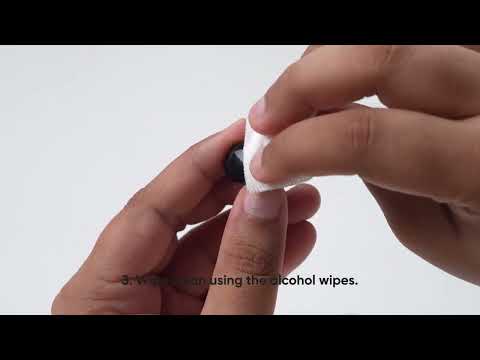
Play videoHow to Deep Clean Liberty Buds | soundcore Support
How to Deep Clean Liberty Buds | soundcore Support
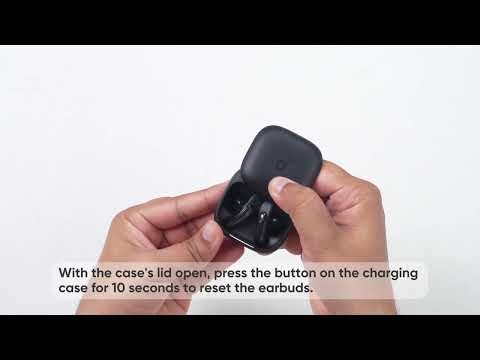
Play videoHow to Reset Liberty Buds | soundcore Support
How to Reset Liberty Buds | soundcore Support
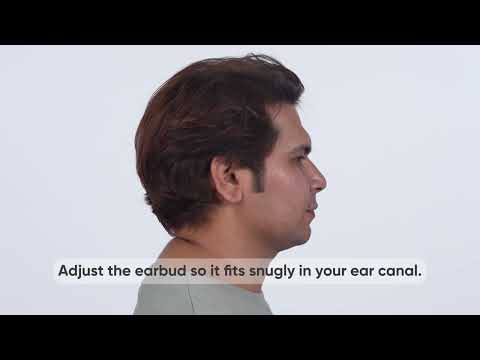
Play videoHow to Wear Liberty Buds Correctly | soundcore Support
How to Wear Liberty Buds Correctly | soundcore Support
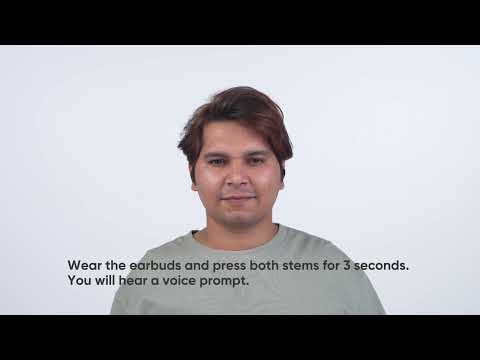
Play videoHow to Connect to 2 Devices at the Same Time | soundcore Support
How to Connect to 2 Devices at the Same Time | soundcore Support
Contact Us