Why can't I find my AeroClip in the Bluetooth list?
If you encounter a problem where AeroCip cannot be found on the Bluetooth list, you can find a solution in this article.
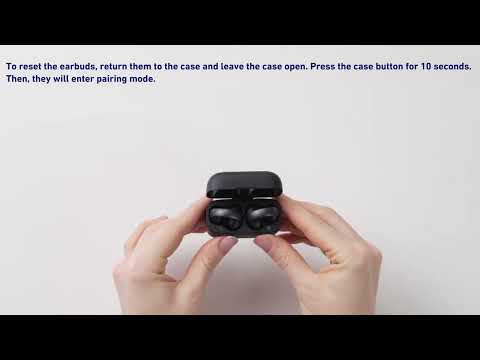
Make sure the earbuds are in Bluetooth pairing mode before searching for them. Here's how to enter pairing mode:
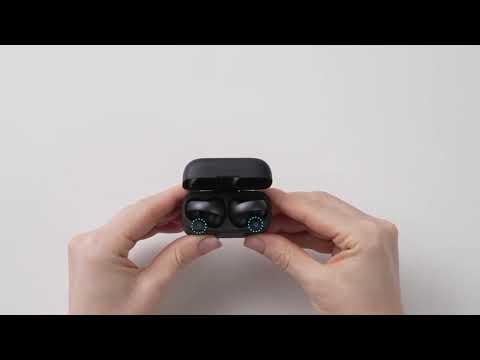
1. For first-time use, remove the earbuds from the case, take off the insulation film, place them back into the case, close the lid, then reopen it to power on the earbuds. They will automatically enter pairing mode.
2. For subsequent uses, press the case button for 10 seconds until the light turns red, and they will enter pairing mode.
If you encounter any other issues or your issue has not been resolved, pleasecontact us for further assistance.