What will happen if I release the button on the App halfway through the HearID test?
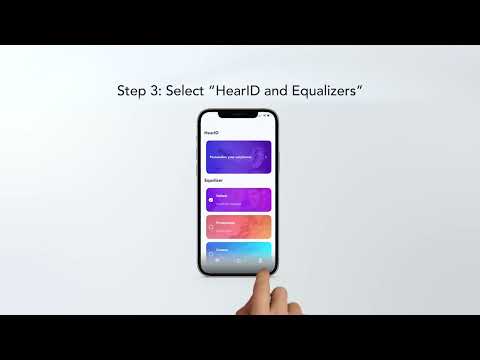
HearID tests the hearing of both your left and right ears in approximately 5 minutes. Do not release the button during the process to ensure that the test is completed successfully.
During the HearID test, you will hear a humming sound in the earbuds. Hold the button on the app when the sound appears. When the sound stops, release the button.
If you attempt to release the button while the sound can still be heard, results will be inaccurate.
If you have additional questions, please contact us at Service@soundcore.com for further assistance. Make sure to mention that you have tried the steps in this FAQ so our agents do not ask you to repeat these steps.