If the problem with the earphones is one of the following 4 situations:
① one side has no sound;
② one side does not pair with the other side or my device;
③ connected but no sound;
④ cannot pair or reconnect with my device.
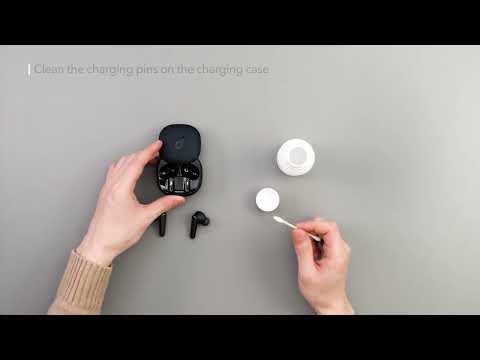
You should put the earbuds back into the charging case and close the lid for 10 seconds. Then open the lid to trying pairing again. If that doesn't work, try the following steps:
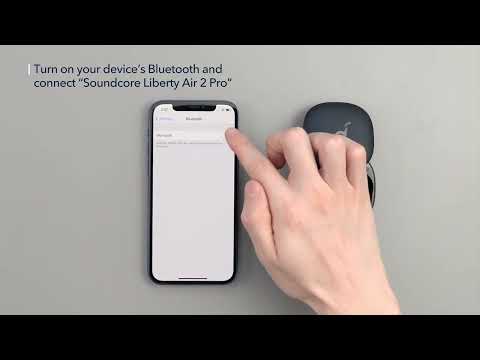
- Forget the Bluetooth pairing record on your device if you have previously connected the earbuds;
- Reset the earbuds. You can click on the following link which shows how to reset your earbuds:
If you have additional questions, please contact us at service@soundcore.com for further assistance. Make sure to mention that you have tried the steps in this FAQ so our agents do not ask you to repeat these steps.