What to do if Liberty Air 2 Pro has mic related issues?
Please try the following troubleshooting steps:
- Confirm that the call volume on your phone is turned up.
- Use the regular phone call (not calling apps, VoIP, Messenger, etc.) at a quieter place to see if it makes any difference.
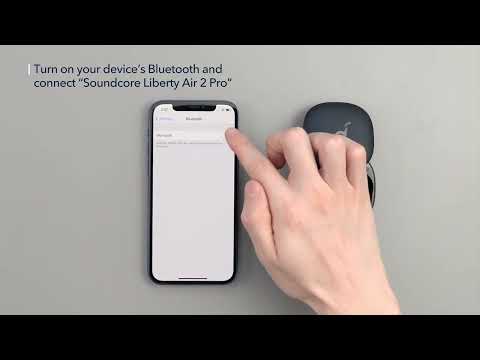
- Choose Liberty Air 2 Pro on your phone if you pick up a call directly via phone instead of the headset. Does it make a difference?
If you have additional questions, please contact us at service@soundcore.com for further assistance. Make sure to mention that you have tried the steps in this FAQ so our agents do not ask you to repeat these steps.