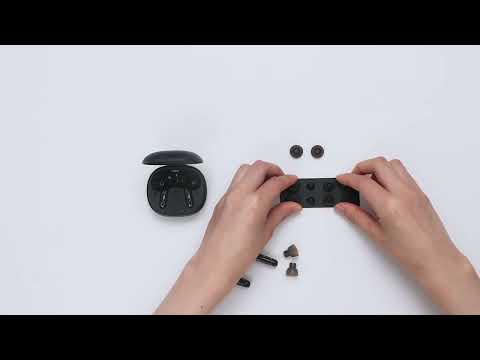
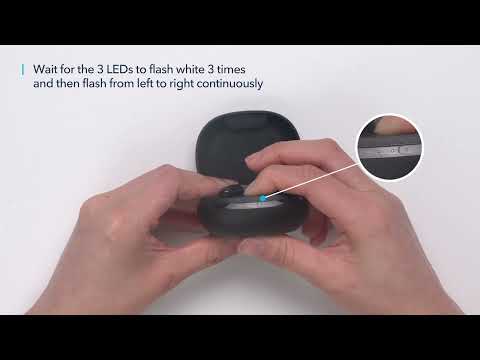
What should I do if the volume of Siri is too loud?
Try the following troubleshooting:
- Pair your earbuds with your phone.
- Turn down the volume when making a call.
- Restart Siri, and the volume should be lower.
If you have additional questions, please contact us at Service@soundcore.com for further assistance. Make sure to mention that you have tried the steps in this FAQ so our agents do not ask you to repeat these steps.

What should I do if the volume of Siri is too loud?


24 undefined
soundcore parts and accessories 29188 views 1 likes/2025-04-08 16:00:05
How to Reset Your soundcore Headphones 49940 views 5 likes/2025-04-08 16:03:59
Guide to Locating the Serial Number (SN) of Your soundcore Headphones 53295 views 6 likes/2024-08-16 18:04:10
How to Solve Common Issues with True Wireless Earbuds 17510 views 1 likes/2025-04-08 16:15:47
Soundcore Warranty Policy 57067 views 10 likes/2022-10-13 11:05:11
Parts and Accessories of soundcore Headphones 11920 views 1 likes/2025-04-08 16:02:25
How to Identify Genuine soundcore Products 18414 views 2 likes/2025-04-08 16:02:15
How to Fix No Sound When Using soundcore Headphones With a PC 6143 views 1 likes/2025-04-08 16:00:48
How to Clean soundcore Headphones 7010 views 2 likes/2025-04-08 16:02:37
What should I do if any of the following problems occur with Life P3 earbuds? 4427 views 1 likes/2025-04-08 16:01:10

A3930 Liberty 2 Pro Upgraded Version Quick Start Guide

A3930 Liberty 2 Pro Upgraded Version DOC

A3930 Liberty 2 Pro Upgraded Version User Manual

A3931 Life Dot 2 NC Quick Start Guide

A3931 Life Dot 2 NC DOC

A3931 Life Dot 2 NC User Manual
View More


How to Wear the Liberty 2 Pro Upgraded Version Correctly


How to Use HearID for Liberty 2 Upgraded Version


How to Pair Liberty 2 Pro Upgraded Version


How to Reset Liberty 2 Pro Upgraded Version


How to Replace the EarWings and EarTips on Liberty 2 Pro Upgraded Version


How to Power Liberty 2 Pro Upgraded Version On/Off and Use the Controls
View More