1. Follow these steps to reset your earbuds:
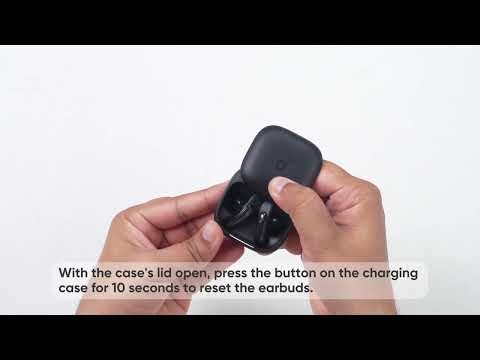
- Place the earbuds in the charging case and ensure the case lid stays open.
- Press and hold the button on the back of the charging case for 10 seconds. Hold until the LED indicator on the case flashes white rapidly three times. This confirms the reset was successful.
Note: When resetting, the earbuds must be properly connected to the charging case. Please check that the left LED on the charging case lights up white when the left earbud is placed inside, and that the right LED lights up white when the right earbud is placed inside. This confirms that both earbuds are making proper contact with the charging case.
2. Test your earbuds with different Bluetooth devices in different environments to see if the issue persists.
If you encounter any other issues or your issue has not been resolved, please contact us for further assistance.