If you're encountering any charging issues with your AeroClip, please try the following troubleshooting steps to resolve the problem efficiently.
1. Ensure the case's charging port and the cable connectors are clean and free of any debris.
2. Try a different charging cable. While the original cable is recommended, test with another cable to see if the issue persists.
3. Ensure that the output current of the charging adapter is sufficient. Check the required input current on the charging case and confirm the adapter's output exceeds it.
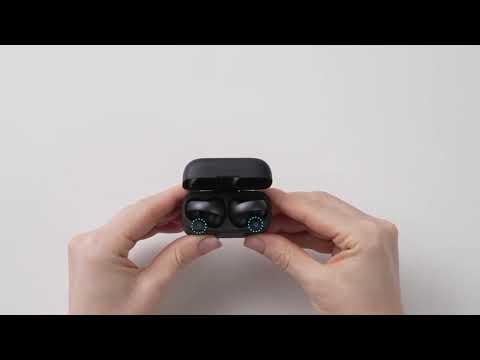
4. Inspect the pins inside the case for any debris and clean them if necessary.
5. Check if the pins inside the case are recessed or damaged.
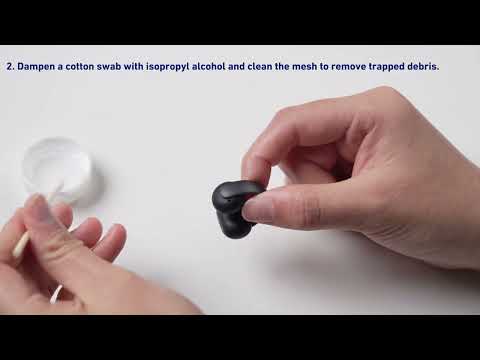
6. Check the earbud pins for dirt or grime and clean them if necessary.
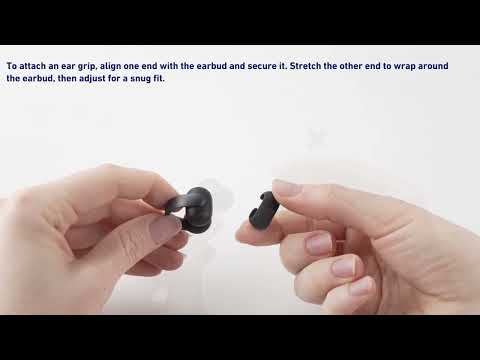
7. Ensure that the ear grips are properly installed and securely in place.

If you have any more issues or your issue has not been resolved, please contact soundcore customer support for further assistance.