What should I do if my Cosmos 4K SE/Nebula X1/Nebula X1 Pro getting no signal via HDMI?
1. Use a different HDMI cable.
2. Connect your projector with another device with your HDMI cable.
3. Disconnect from your projector and try connecting your device with your TV via HDMI.
4. Adjust the HDMI output resolution/Hz of the connected device to match your projector.
If the above solutions cannot solve your issue, please contact Nebula Customer Support at support@seenebula.com for further assistance.


20 undefined
How Do I Play Files From My USB Drive with Projector?


What should I do if the voice assistant on YouTube does not work?
What is FlexWave technology and its key advantages?
Why can the Wireless Surround Speakers and Wireless Microphones only be used with Nebula X1 Pro?
What are the channel modes and speaker placement options for the Wireless Surround Speakers?
What are spatial adaptation and spatial recall?
What are the key features of wireless microphones?
What is IEA 5.0?
How is the cooling performance?

【D2342】NEBULA Cosmos 4K SE EU Declaration
【D2351】NEBULA X1 EU Declaration
Nebula X1 Pro User Guide (D2151)
Nebula X1 دليل المستخدم (D2351)
Nebula X1 Οδηγός χρήσης
Nebula X1 Benutzerhandbuch (D2351)
View More

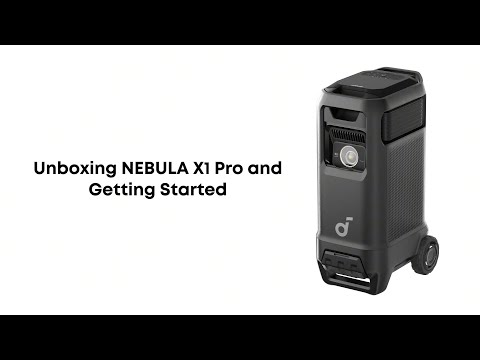
Nebula X1 Pro Unboxing and Quick Start Guide
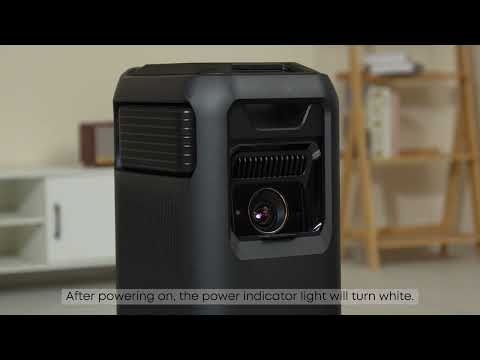
Unboxing and Quick Start Guide for the Nebula X1 Pro
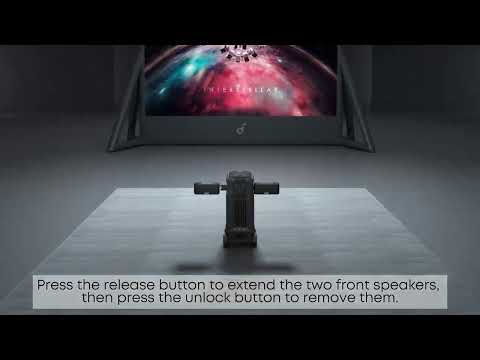
How to Set up Wireless Surround Speakers for a Great Listening Experience
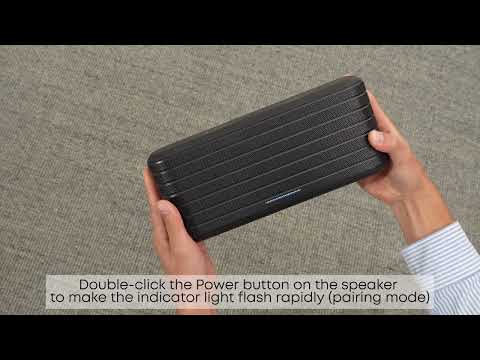
How to Pair Surround Speakers and Microphones
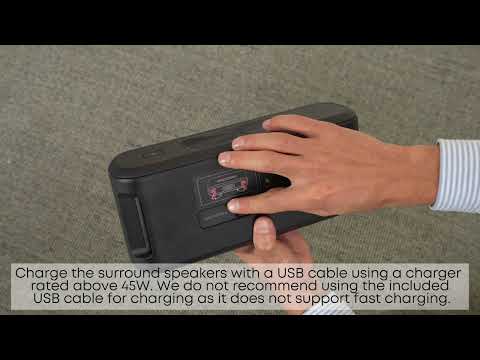
How to Charge the Surround Speakers and Microphones
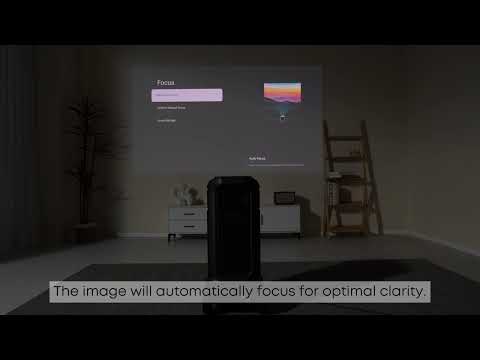
How to Focus Your Nebula X1 Pro
View More


