Thank you for supporting our product.
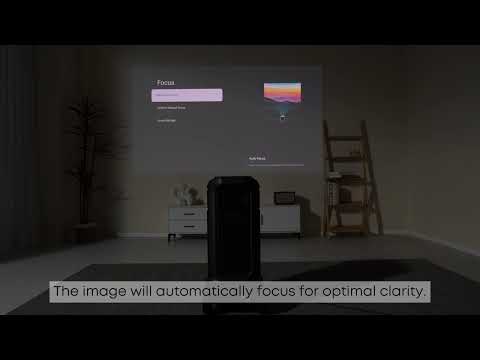
Spatial adaptation is an intelligent feature that allows the projector to scan the projection surface and automatically adjust the screen size and position for the best results.
By accessing All Settings > Projector > Spatial Adaptation, the projector can find the optimal projection position for your space. It will automatically adjust the image based on the actual environment. When a projection screen is detected, the image is immediately adjusted to fit the screen precisely. In the absence of a screen, the projector will identify the optimal projection area and make corresponding corrections to the image, ensuring a seamless and high-quality viewing experience.
Spatial recall, on the other hand, offers great convenience. It enables users to save the screen size and viewing preferences for each projection spot. So, whenever you return to the same scene, there's no need to re-configure the settings. You can simply enjoy your content with the previously saved optimal settings, making your viewing process more efficient and hassle-free.
If you have any other questions, please don't hesitate to contact Nebula Customer Support at service@soundcore.com for further assistance.