Thank you for supporting our product.
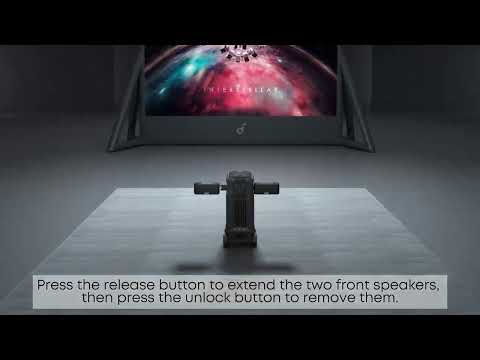
The speaker system supports three channel modes—7.1.4, 5.1.2, and 2.1—which automatically switch based on whether the speakers are deployed (extended) or retracted (stored in the projector base), with no manual control. Specifically, the 7.1.4 mode offers two placement configurations: Full Separation (Discrete Mode) or Soundbar Mode. In 5.1.2 mode, the rear surround speakers are stored in the projector base and function as the system's center channel, while the 2.1 mode retracts all four speakers into the projector base, using only the exposed surfaces of the front surround speakers for left / right stereo output (rear speakers remain inactive). All modes universally support audio enhancements including Movie, Music, and Outdoor presets, a 9-band custom EQ, bass-up for low-frequency boost, and voice enhancement for vocal clarity.
If you have any other questions, please don't hesitate to contact Nebula Customer Support at service@soundcore.com for further assistance.